



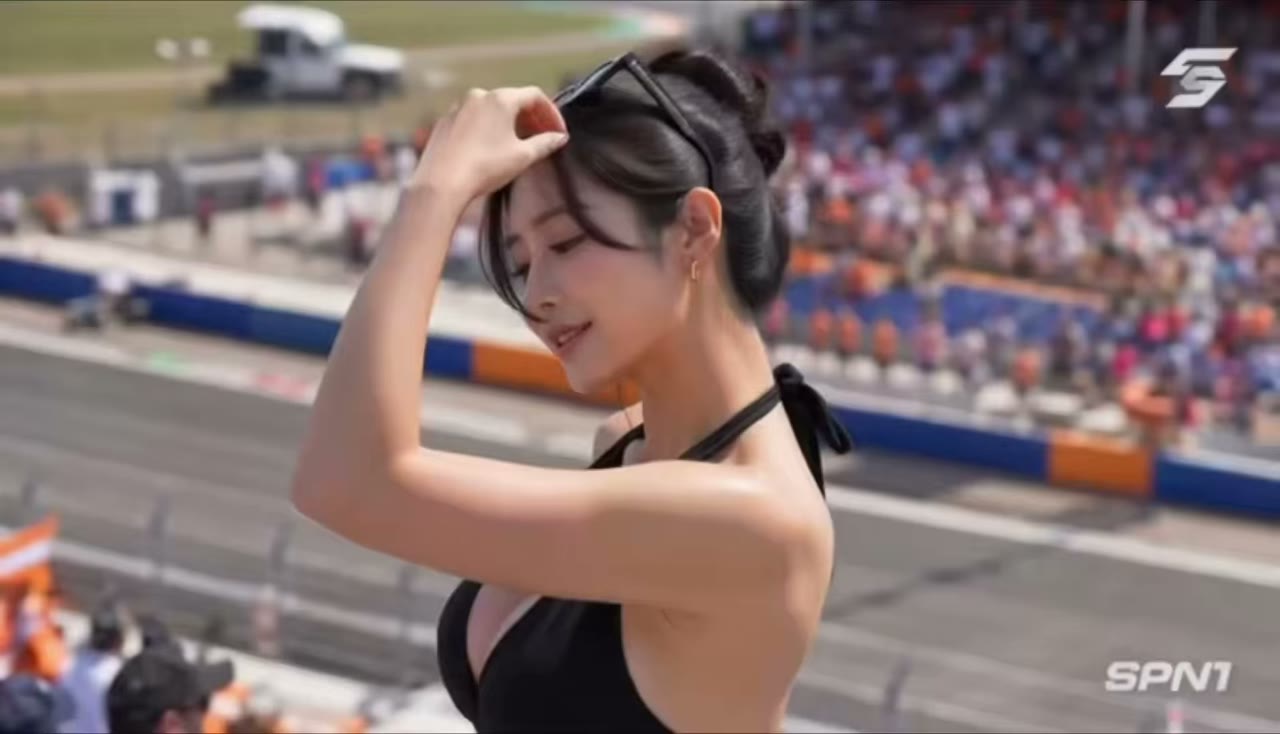

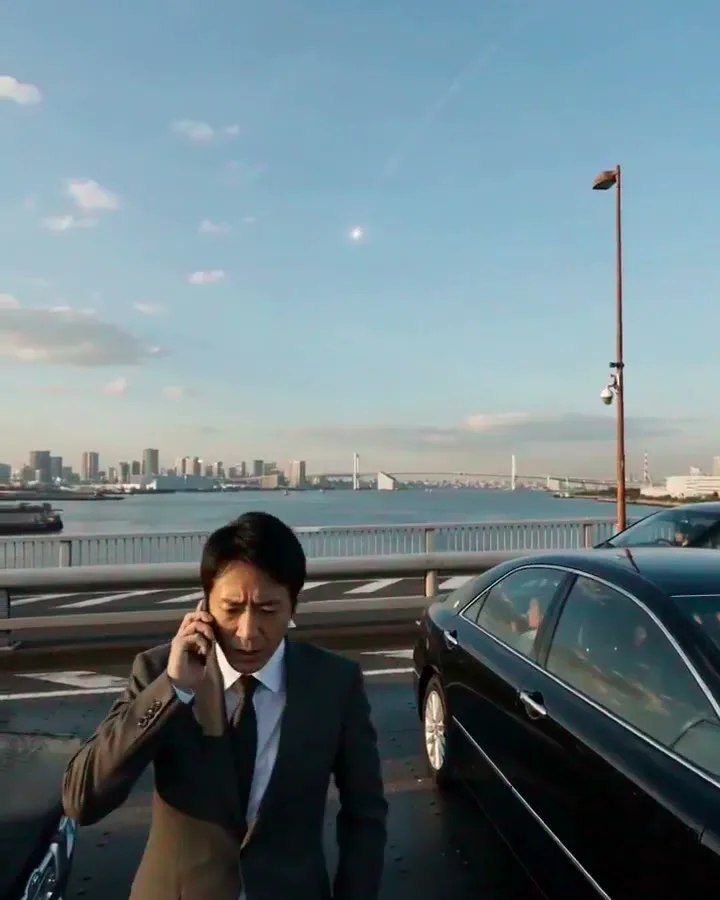

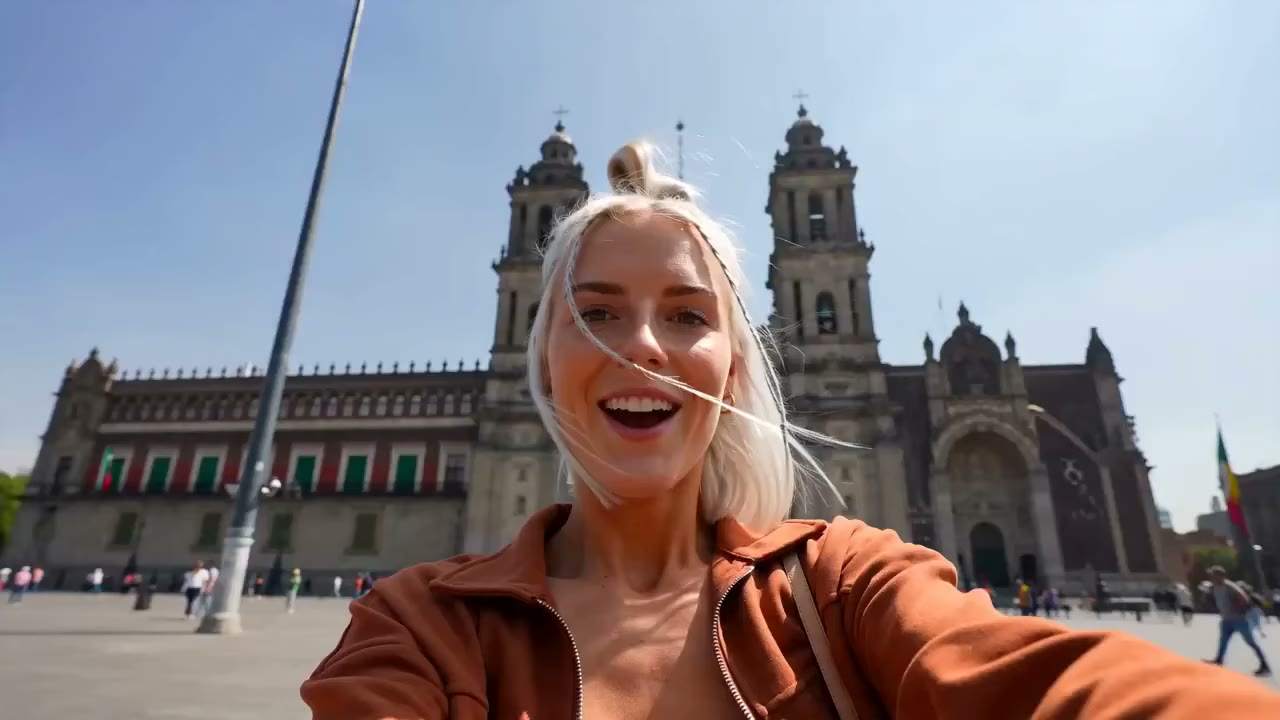


Gemini Omni Flash AI Video Generator
Create short AI videos with Gemini Omni Flash from prompts or image references, then download clips for ads, social posts, product ideas, or storyboards.
MODEL OUTPUTS
Create Gemini Omni Flash videos for real projects
Use this model for fast visual drafts, image-guided ideas, and short clips your team can judge quickly.
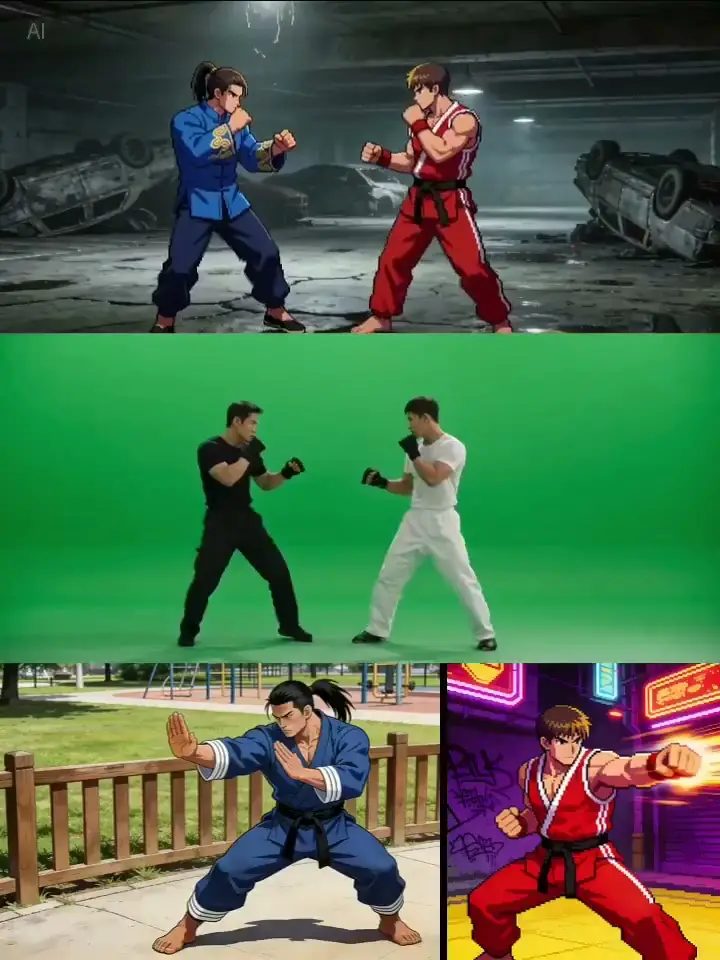
Social Video Concepts
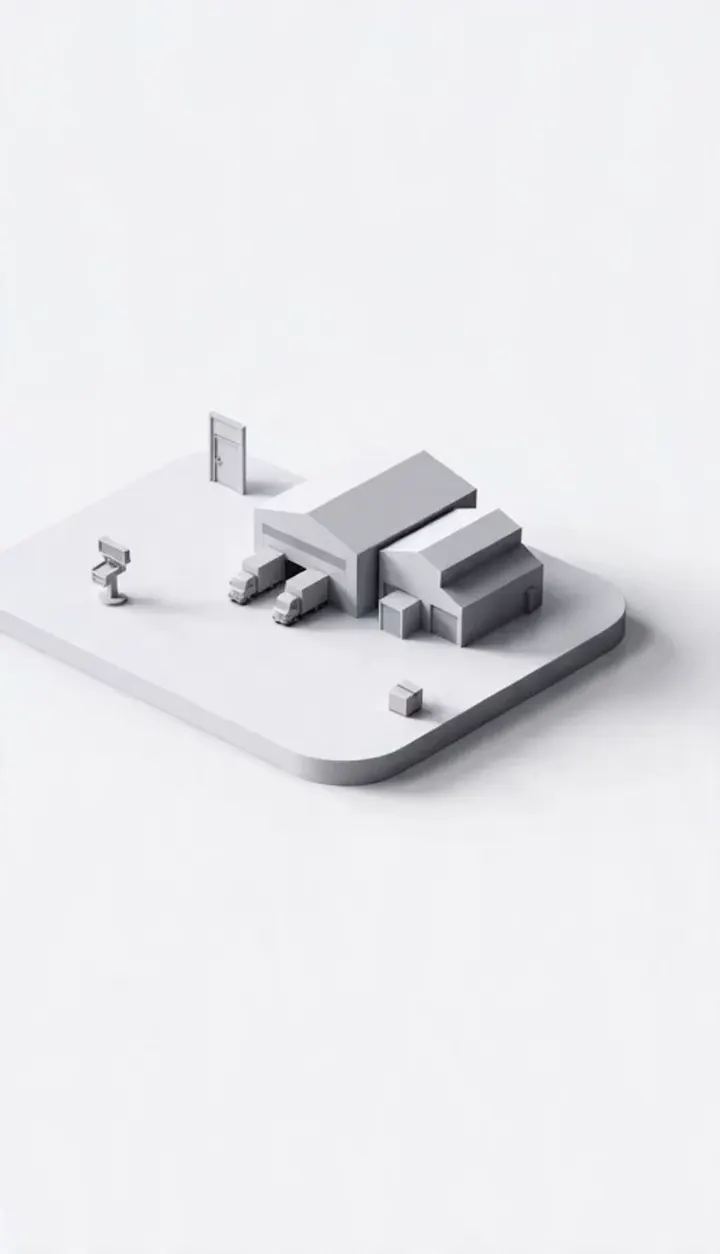
Cinematic Scene Drafts
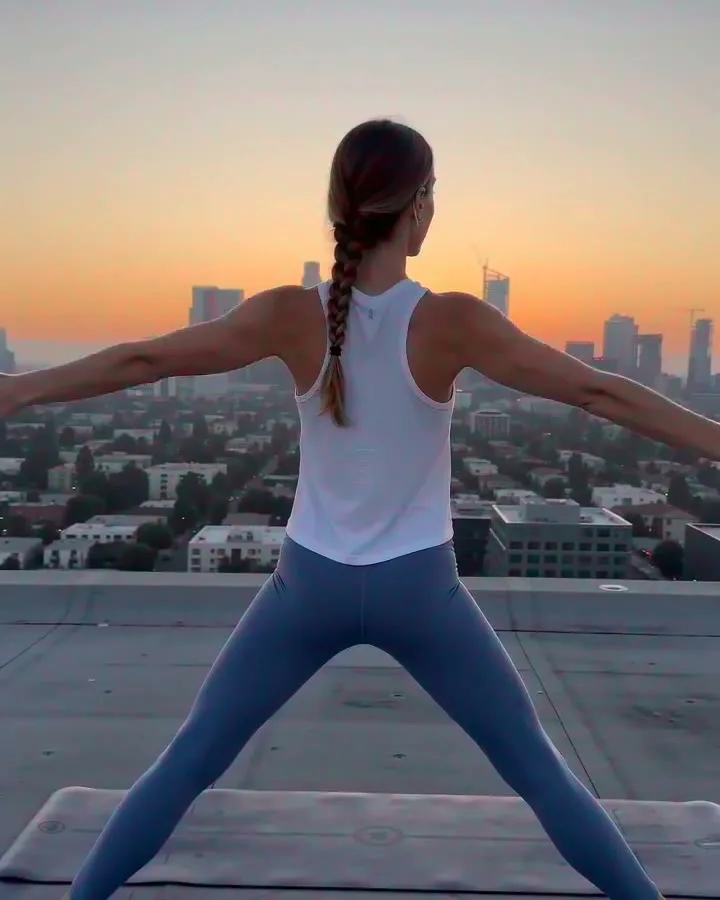
Image-Guided Motion
Marketing & Ad Tests
Image Reference Drafts

Storyboard Motion Tests
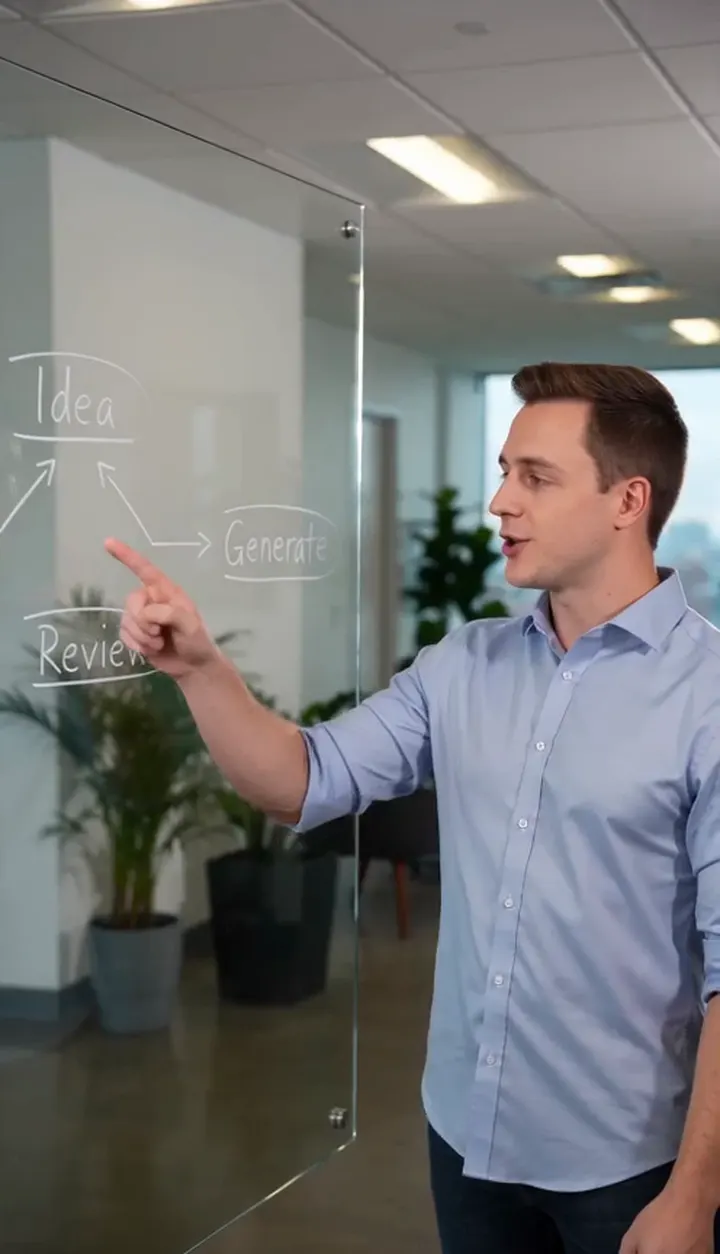
Product Launch Clips
Social Concept Videos

Campaign Visual Drafts
HOW IT WORKS
How Gemini Omni Flash generation works
Start with a prompt or reference image, choose output settings, generate the clip, and continue from the result.
1
Write a clear prompt
Describe the subject, action, camera, environment, lighting, and style. A structured prompt gives the model more useful direction than a short vague request.
2
Add image references if needed
Use reference images when you want the video to follow a product, person, object, composition, or visual style more closely.
3
Choose output settings
Select duration, resolution, and aspect ratio based on where the video will be used. Use lower-credit settings for fast tests and higher settings when the result is closer to production.
4
Generate, review, and download
Submit the task, track it in your creation history, preview the result, and download the finished video when it is ready.
CORE CAPABILITIES
Why use this AI video generator in FlashEdit
Turn a prompt and visual references into a short video without setting up a full editing timeline first.
Prompt and image-guided generation
Start from a written prompt, then add image references when you need clearer visual detail for a product, character, object, style, or scene. That gives the prompt a clearer visual anchor, especially for products, characters, or style references.

Short video controls
Choose duration, resolution, and aspect ratio before generation, so each run fits the channel, format, and credit budget you are working with. Use lower settings for quick checks, then increase quality when the idea is working.
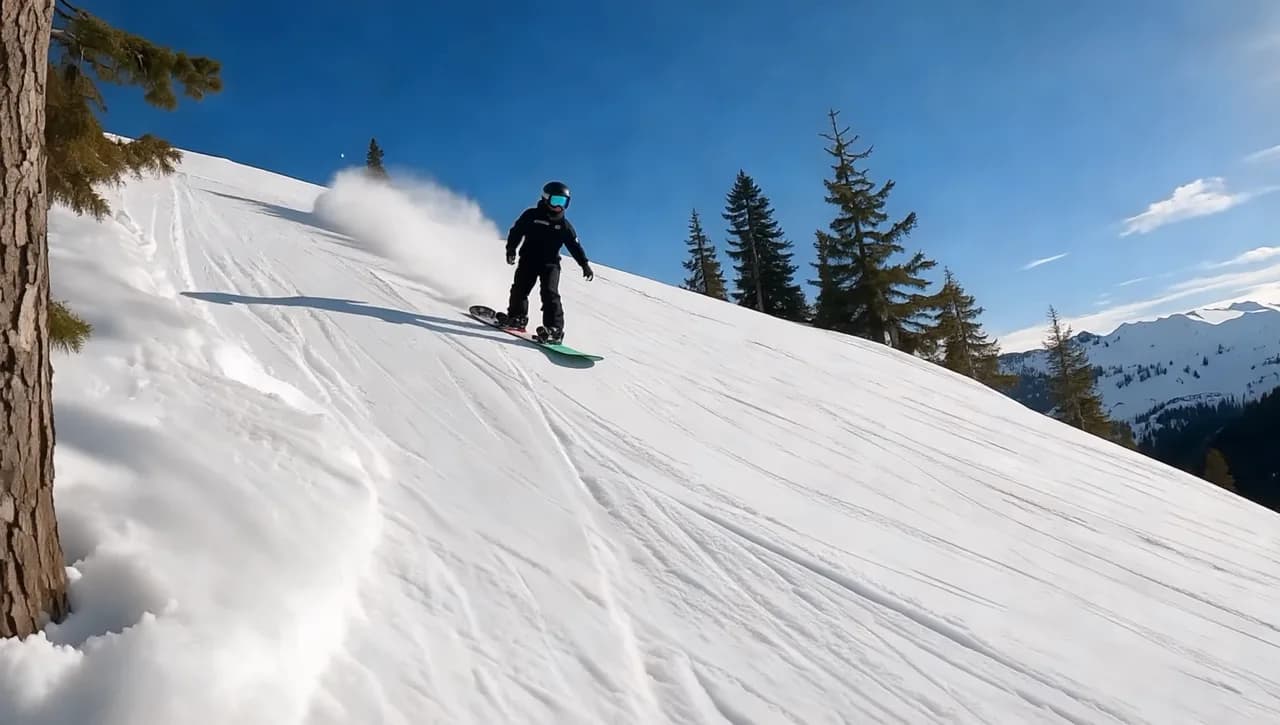
History and downloads
Track each generation in your creation history, review finished videos, download results, and compare outputs across different prompts and settings. This makes it easier to keep useful clips and decide which direction is worth another run.
MODEL FIT
When Gemini Omni Flash is the right choice
Use it for early-stage video ideas where a short generated clip is enough to judge the direction.
Choose Gemini Omni Flash when you need to see an idea in motion quickly. Use it to test campaign angles, product scenes, and visual styles before making a larger asset.
PRODUCTION TOOLS
Turn Gemini Omni Flash outputs into usable assets
Use generated clips in campaigns, social drafts, product pages, client reviews, or the next edit pass.
WHO IS IT FOR
Who should use Gemini Omni Flash
For teams that need short video drafts quickly, especially when reference images explain the look better than text.
Ad Concepts — Growth marketers
Create ad concepts, launch hooks, and product scenes before choosing a final angle. Use short drafts to compare ideas before a campaign moves into production.
Social Clips — Content creators
Generate social clips, B-roll ideas, and quick visual tests from a prompt or reference image. Use the result as a starting point for a post, teaser, or longer edit.
Pitch Visuals — Founders and product teams
Create quick product storytelling clips, pitch visuals, demo concepts, and launch assets. A short moving draft can help the team judge the idea before a full video production cycle.
Product Video — Ecommerce teams
Turn product images, brand boards, and campaign ideas into video drafts for product pages, ads, and launch content. Reference images help keep the product look clearer.
PRICING
Gemini Omni Flash pricing in credits
Credit cost depends on duration and resolution. Start smaller for tests, then increase quality once the scene works.
Starter
$9.9/mo
Best for light monthly FlashEdit AI projects
- 200 AI design credits Per Month
- Up to 20 videos
- Up to 200 images
- Up to 13 songs
- Up to 20 voice tracks
- HD, Watermark-Free Downloads
- Priority support
- Faster Generation Speed
- Private Generation
Popular
PRO
$29.9/mo
Best for regular FlashEdit AI projects
- 1000 AI design credits Per Month
- Up to 100 videos
- Up to 1,000 images
- Up to 66 songs
- Up to 100 voice tracks
- HD, Watermark-Free Downloads
- Priority support
- Faster Generation Speed
- Private Generation
- Credits rollover & never expire
Ultra
$99.9/mo
Perfect for professionals and agencies
- 5000 AI design credits Per Month
- Up to 500 videos
- Up to 5,000 images
- Up to 333 songs
- Up to 500 voice tracks
- HD, Watermark-Free Downloads
- Priority support
- Faster Generation Speed
- Private Generation
- Credits rollover & never expire
FAQ
Questions about Gemini Omni Flash
Key details about using this model inside FlashEdit.
TESTIMONIALS
How teams use Gemini Omni Flash
Common ways teams use Gemini Omni Flash for drafts, campaign ideas, and image-guided clips.
MC
Maya Chen
Growth Marketing LeadFor product ideas, I just want to know if the scene works. A quick moving draft is enough to make that call.
DP
Daniel Park
Creative TechnologistReference images save time. We can show the product shape instead of trying to describe it line by line.
SW
Sofia Williams
Content StrategistFor social concepts, short clips are enough. We test a hook, compare a few versions, and move on.
PN
Priya Nair
Agency ProducerThe setup is simple enough for client work. We can turn a brief into a moving concept without building a full edit.
LH
Lucas Huang
Product Marketing ManagerPitch visuals are easier when everyone reacts to the same moving scene instead of imagining it from a paragraph.
AM
Alex Morgan
FounderSeeing the credit cost before submitting makes testing feel controlled.
Create a Gemini Omni Flash video
Start with a prompt, add image references if needed, choose output settings, and generate a short AI video.