AI Video Creation Tools
Start here
Popular AI video creation tools
AI tools
AI Video Creation Tools
Find the right FlashEdit AI video creation tools for text to video, image to video, product video, ad video, TikTok and YouTube Shorts drafts, plus image, music, and voice tools when the video needs more than the clip itself.
Choose faster
Which AI tool should you use?
Start with what you already have: a prompt, image, product goal, ad concept, or reference video. FlashEdit routes each job to the AI video creation tools that fit it best.
Start with text to video when the scene only exists in writing.
A script, ad hook, product scene, or storyboard note is enough for a first pass. Write the subject, action, camera movement, setting, style, and pacing before running a short test.
You have a scene idea, script beat, product hook, or storyboard note but no source media yet.
The exact product, outfit, face, package, or brand layout must stay visually consistent.
Open the AI video generator, choose Text to Video, then run a short draft before increasing quality or duration.
Compare tools
AI video creation tools at a glance
Use this quick comparison when you know what source material you have but still need to choose the right FlashEdit workflow.
Text to Video Generator
Start with
Prompt, script, hook, or storyboard note
Best for
Early concepts, pitch visuals, ad ideas, and scene tests
Output
Short AI video draft from text
AI Image to Video Generator
Start with
Product photo, character image, object, or visual reference
Best for
Product clips, first-frame ideas, ecommerce tests, and social drafts
Output
Video guided by one or more reference images
AI Product Video Generator
Start with
Product images, packaging shots, or brand references
Best for
Landing pages, product demos, launch assets, and ecommerce ads
Output
Product-focused motion draft
AI Ad Video Generator
Start with
Ad hook, offer, product angle, or campaign scene
Best for
Paid social tests, UGC-style concepts, and creative variants
Output
Short ad concept video
AI TikTok Video Generator
Start with
Vertical prompt, script beat, product image, or social reference
Best for
TikTok, Reels, YouTube Shorts, creator tests, and fast social ideas
Output
Vertical short-form video draft
Video to Video AI
Start with
Supported reference video or motion clip
Best for
Motion guidance, pacing tests, controlled remixes, and action references
Output
Generated video guided by reference motion
Workflows
Build the first useful version before editing
Use these AI video creation tools when you need a draft before opening a full editor. Generate the asset first, then move the strongest result into your normal workflow.
Choose the right tool
Start with the source material you already have: prompt, product image, reference video, ad hook, or social clip idea.
Add references if needed
Use image to video, reference images, start/end frames, or motion references when the result needs a clearer visual anchor.
Pick model and settings
Choose duration, resolution, aspect ratio, audio support, and model quality before spending credits on a generation.
Review and iterate
Open the result in My Creation, download useful clips, reuse saved assets, or run another version with a tighter prompt.
More tools
Create the other assets your video needs
Video is often only one part of the workflow. Use these AI content creation tools when the job needs a still image, a music idea, or a voice track.
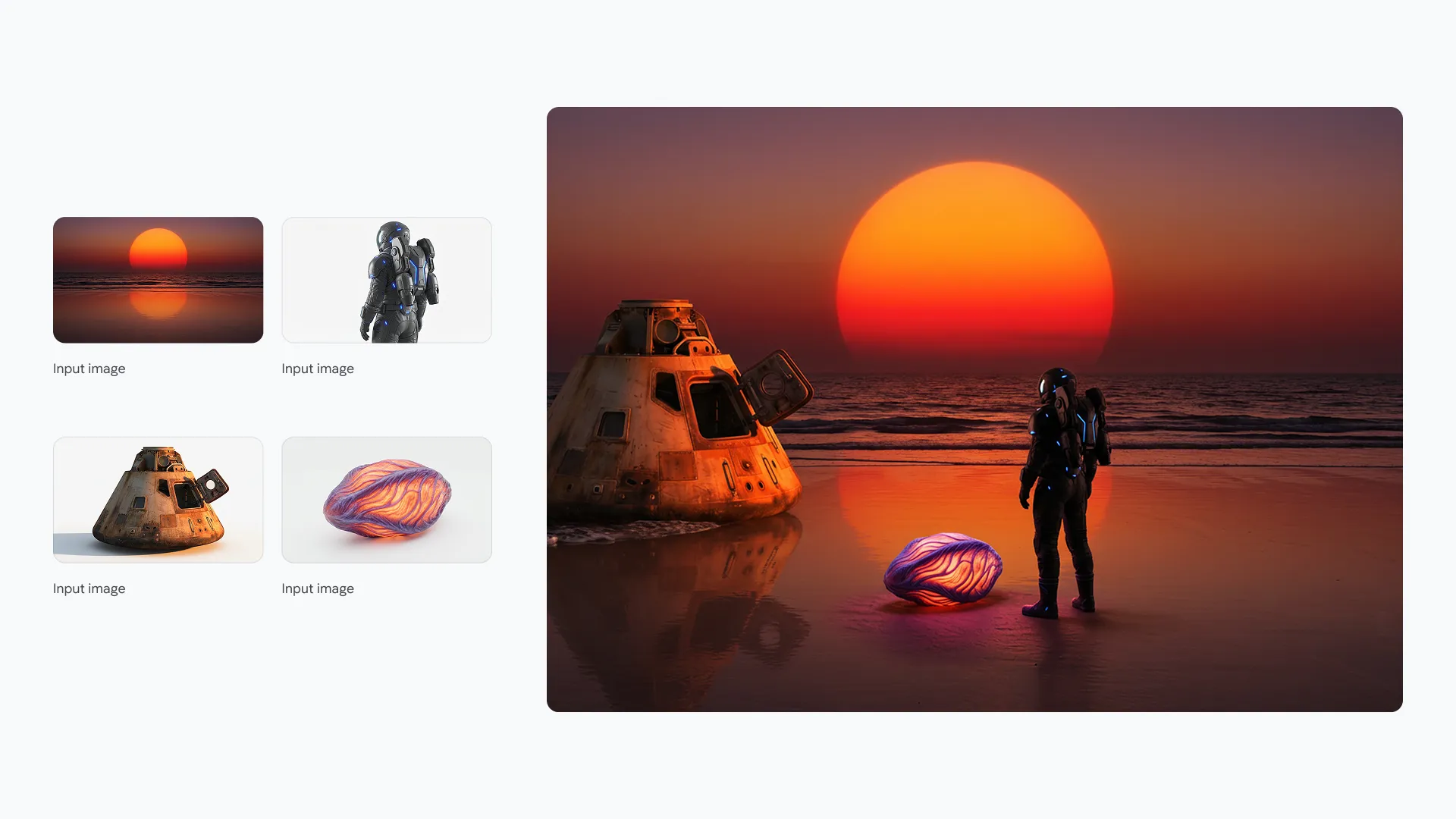
AI Image Generator
Generate or edit still images with reference inputs, resolution choices, and visible credit cost.
Use it when a video project needs a product still, thumbnail concept, character reference, ad image, or cleaner source image before moving into an AI image to video generator. This keeps the still asset and video draft pointed in the same visual direction.
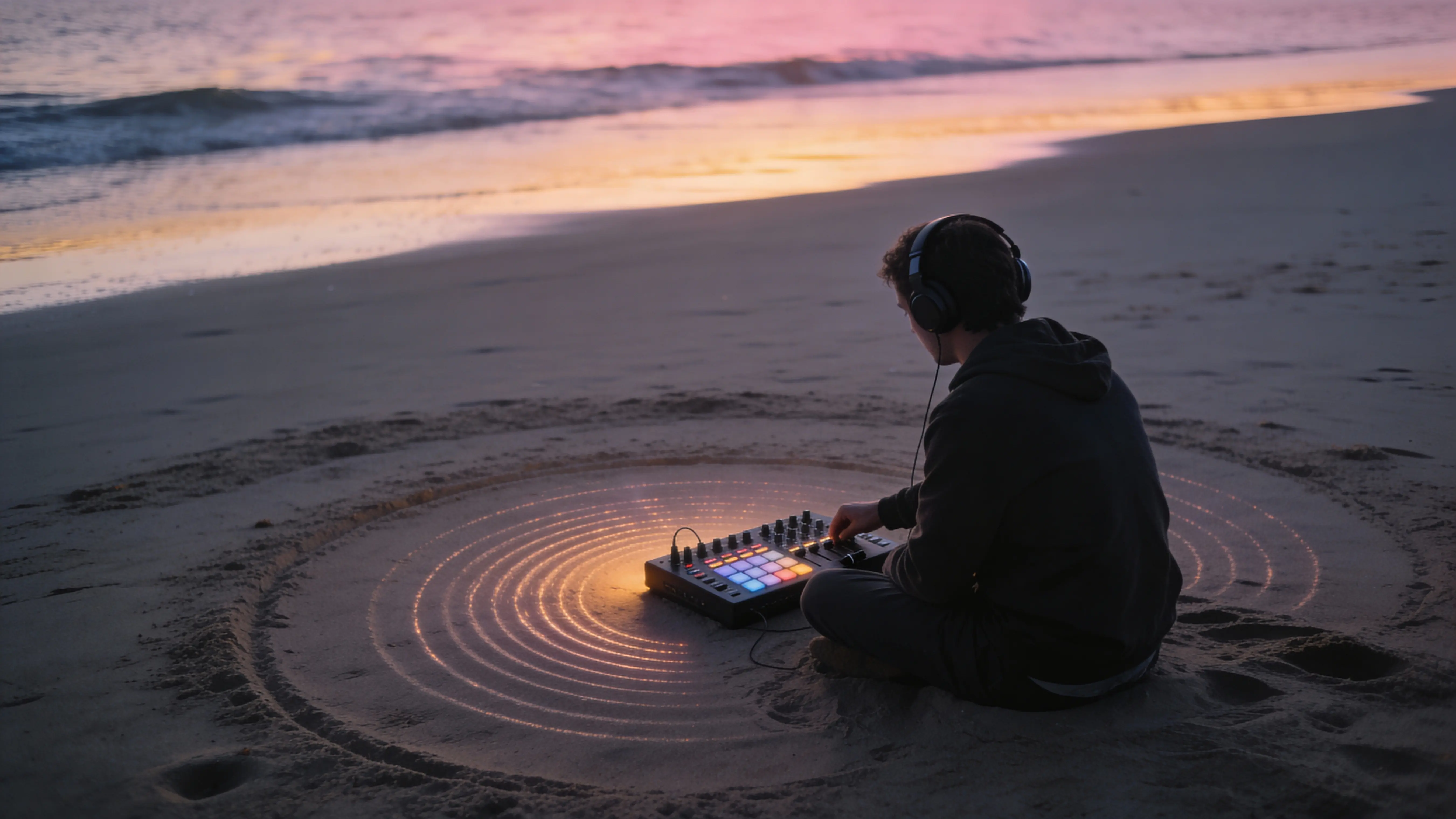
AI Music Generator
Create songs or background music ideas, then keep the results in your creation history.
Test a mood, genre, lyric direction, or background track before pairing music with social clips, product videos, campaign drafts, or creator-style edits. It gives the sound a trial run before the final export.
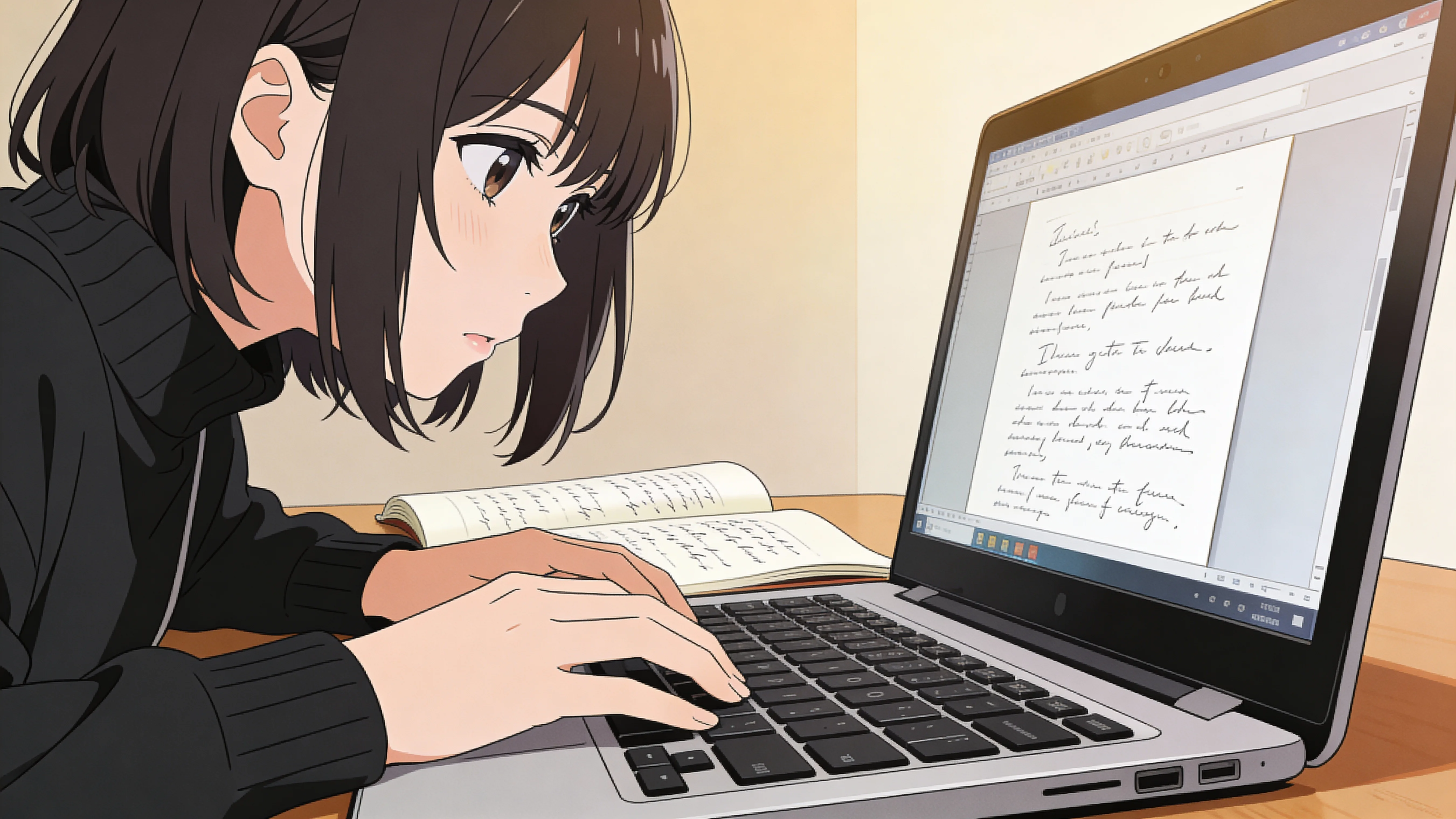
AI Voice Generator
Generate voice tracks for scripts, demos, social clips, tutorials, and narration tests.
Use it when a clip needs narration, a product walkthrough, a short ad line, an explainer voiceover, or a quick script test. It works well when the video idea is clear but the spoken track still needs a fast preview.
FAQ
Questions about AI video creation tools
Short answers for users deciding which FlashEdit AI video creation tools to try first.
Start now
Start with the tool that matches your source material.
If you have an image, use image to video. If you only have a scene idea, use text to video. If you need supporting assets, use the image, music, or voice workspace alongside these AI video creation tools.
Open AI Video Generator