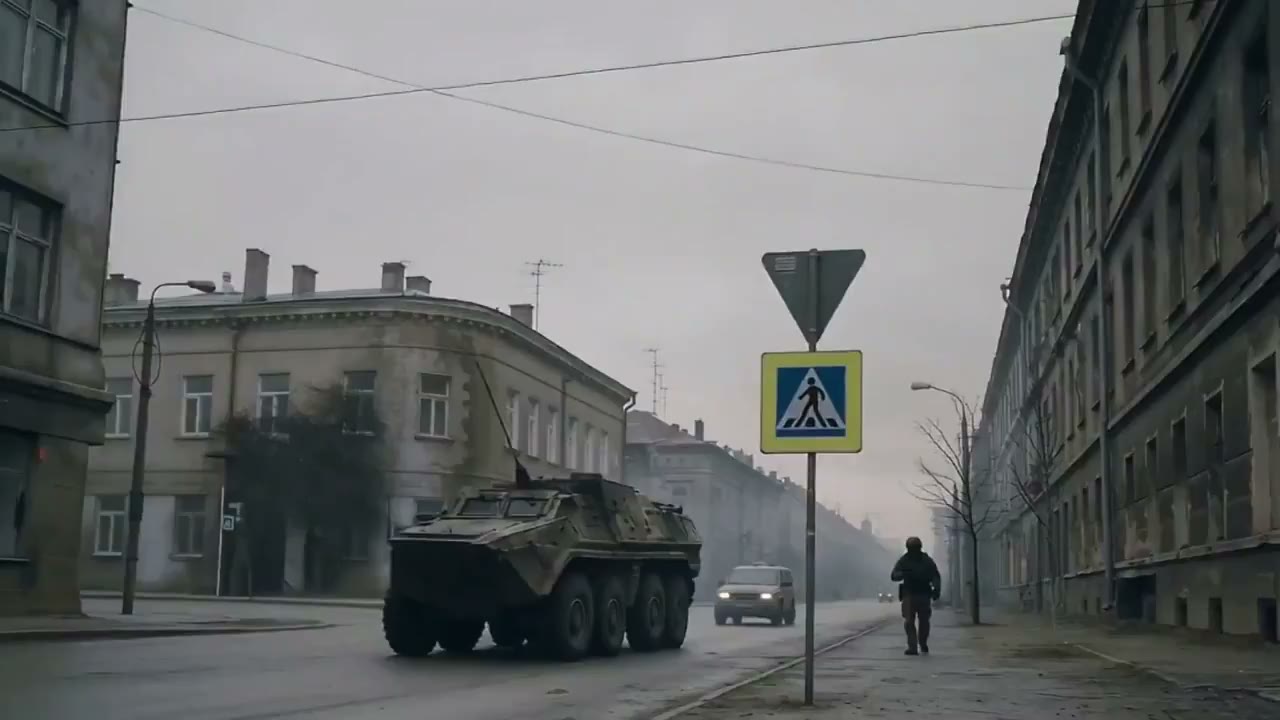
Text to Video Generator for Scripts, Prompts, and Scene Ideas
Use FlashEdit as a text to video generator when you have a prompt, script, ad hook, or storyboard note but no source footage yet. Describe the scene, choose a model, preview credits, and create a short draft before production.
TEXT VIDEO IDEAS
Text to video examples for real prompt workflows
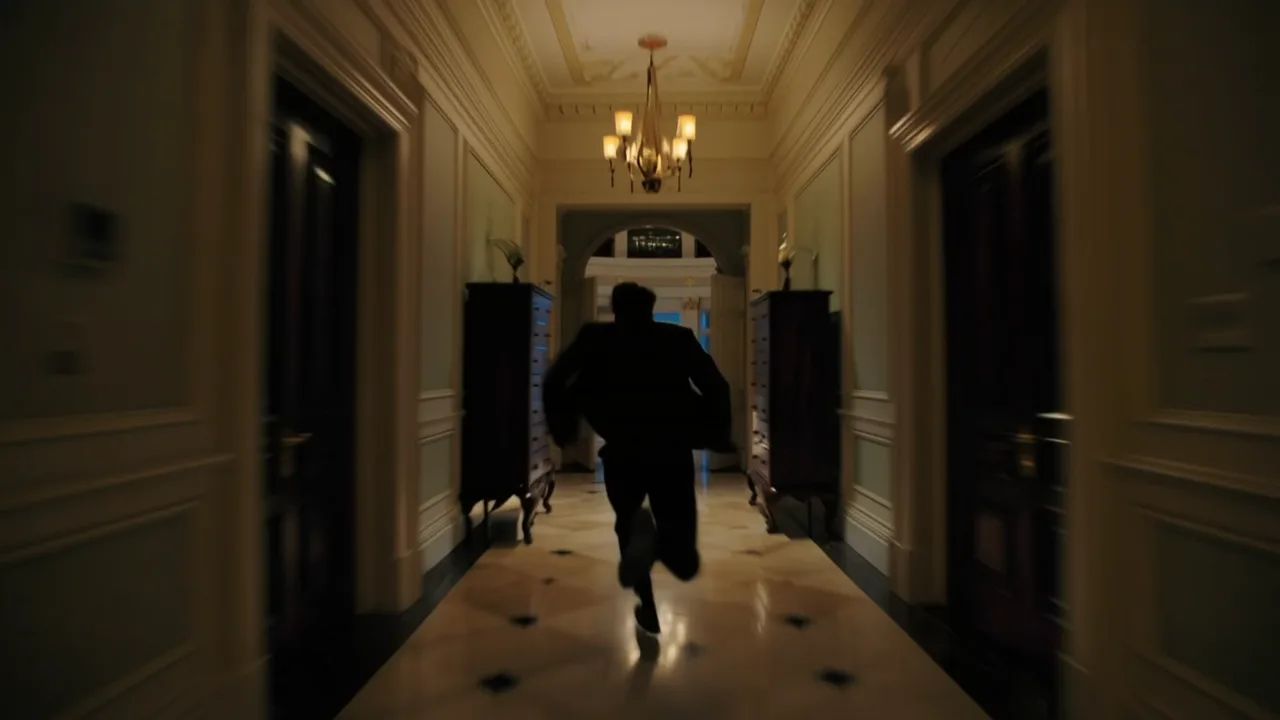
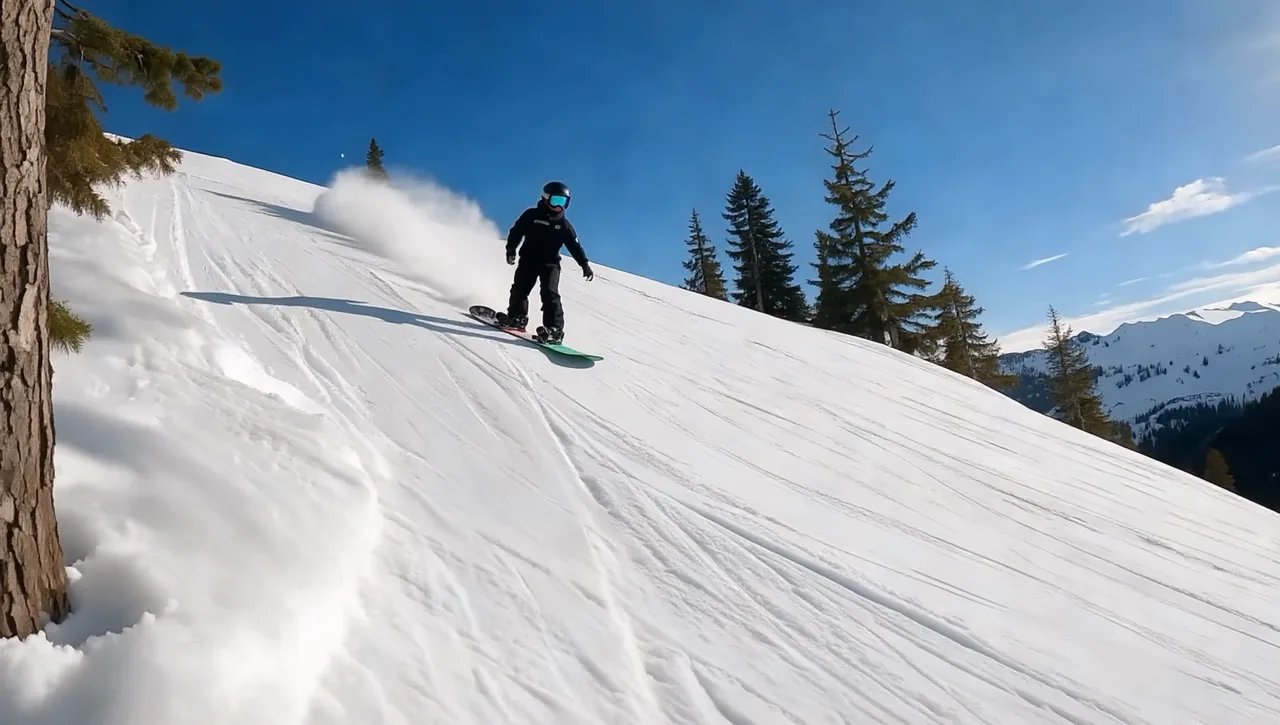
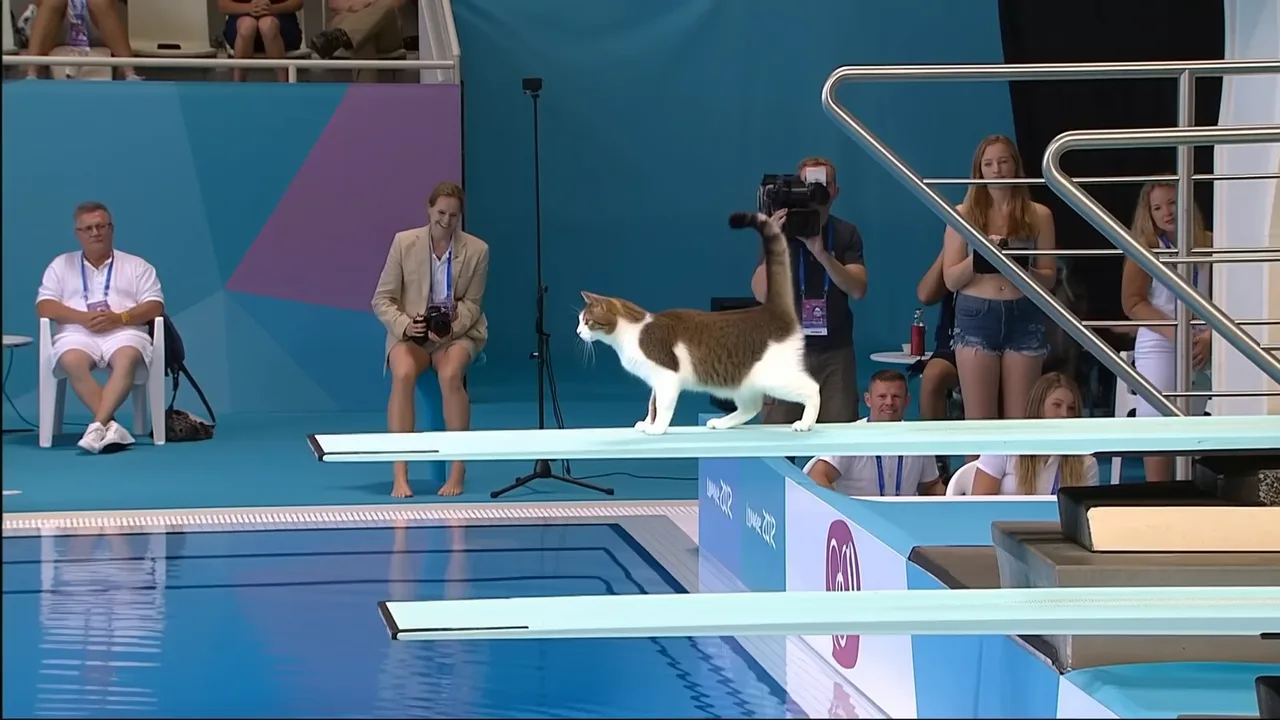
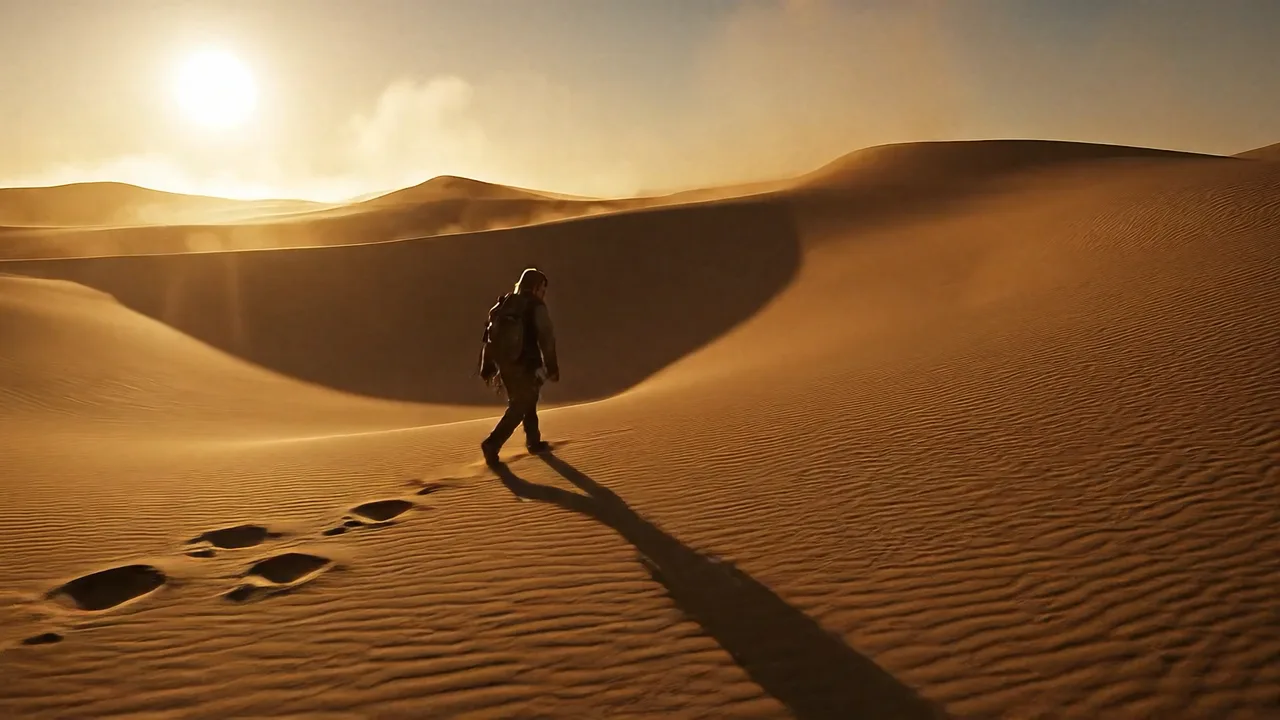
Use these examples as prompt to video starting points for scripts, ads, social clips, explainers, and story tests.
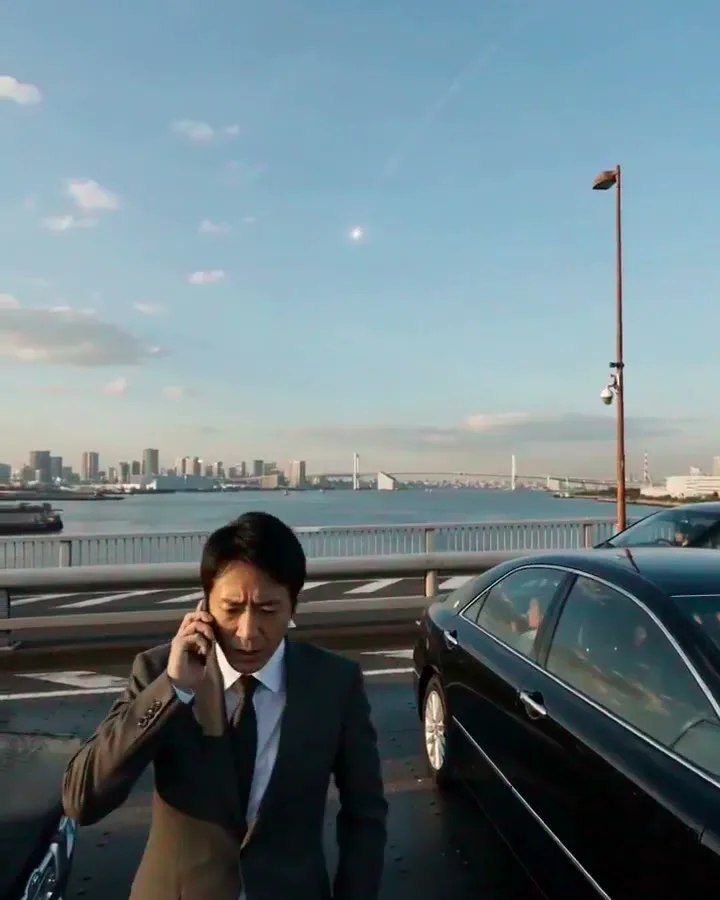
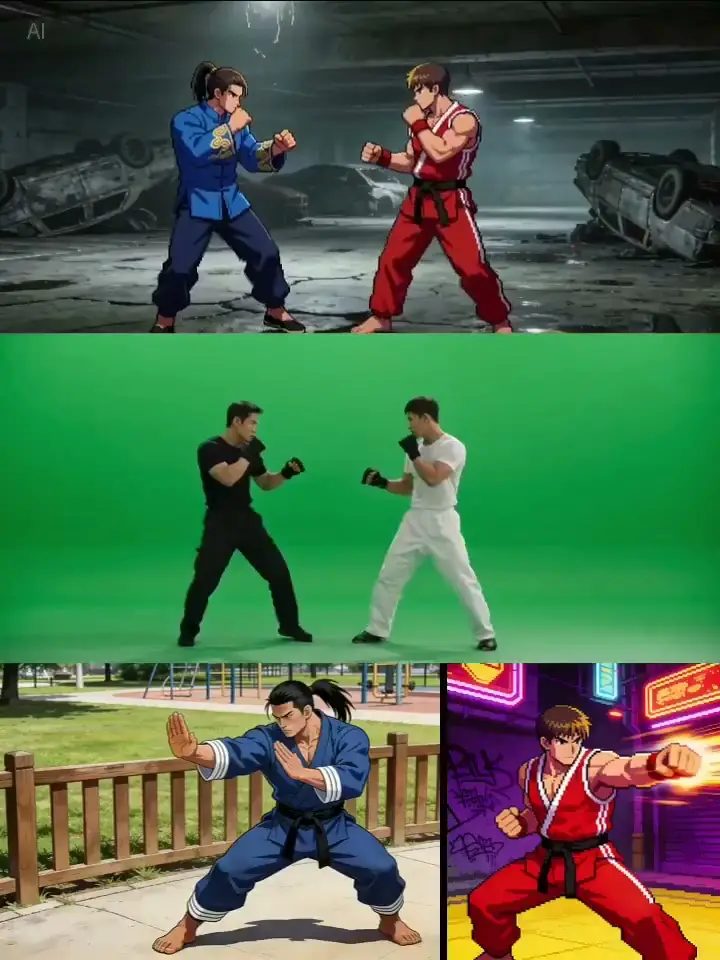
ai animated video generator

ai explainer video
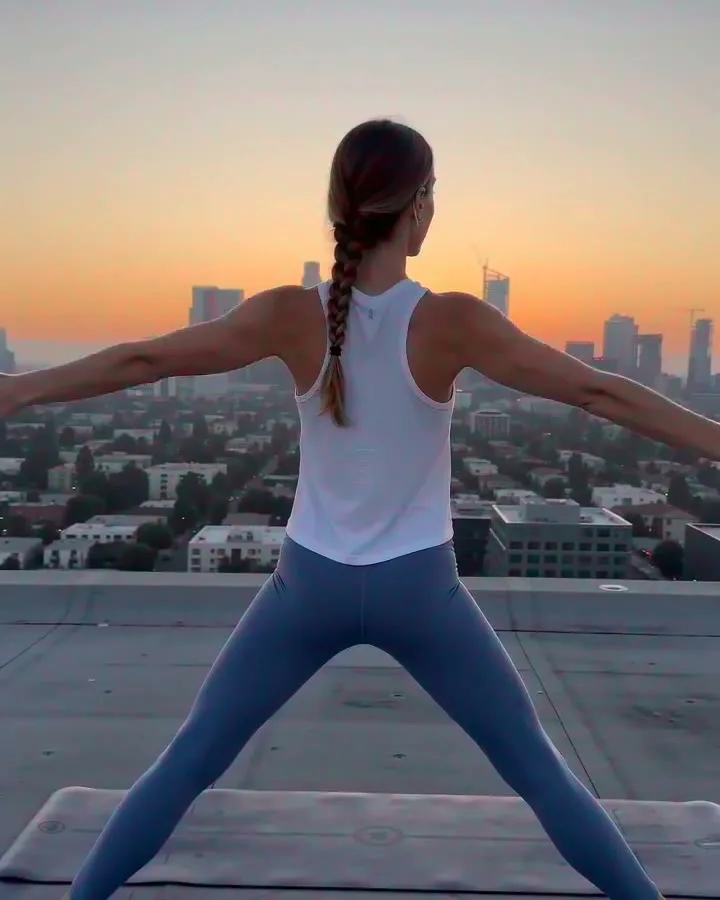
youtube shorts ai

ai cartoon video generator
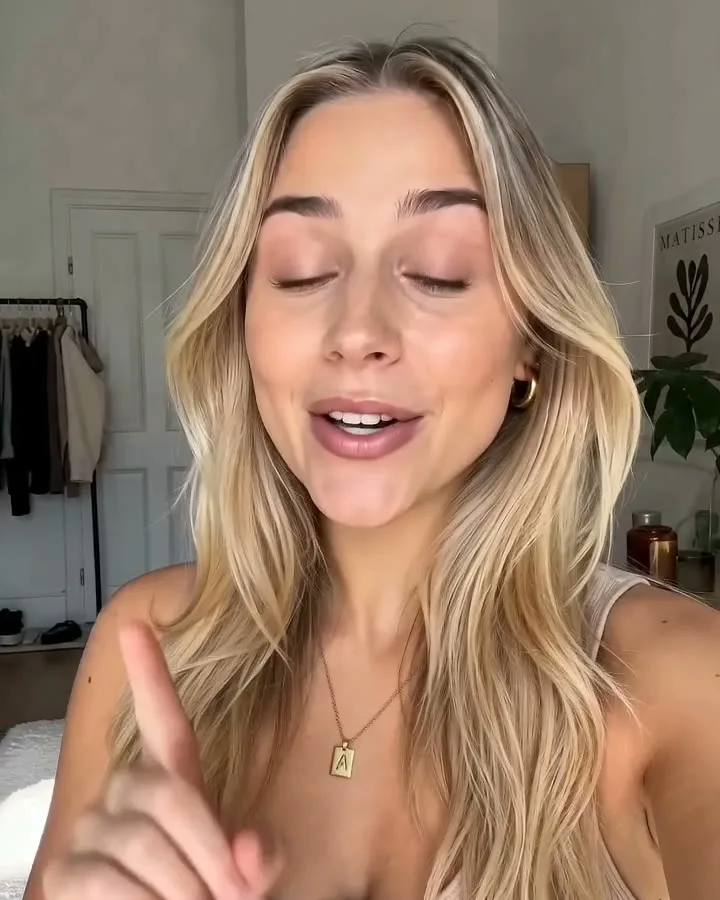
ai avatar video generator

ai video ad generator
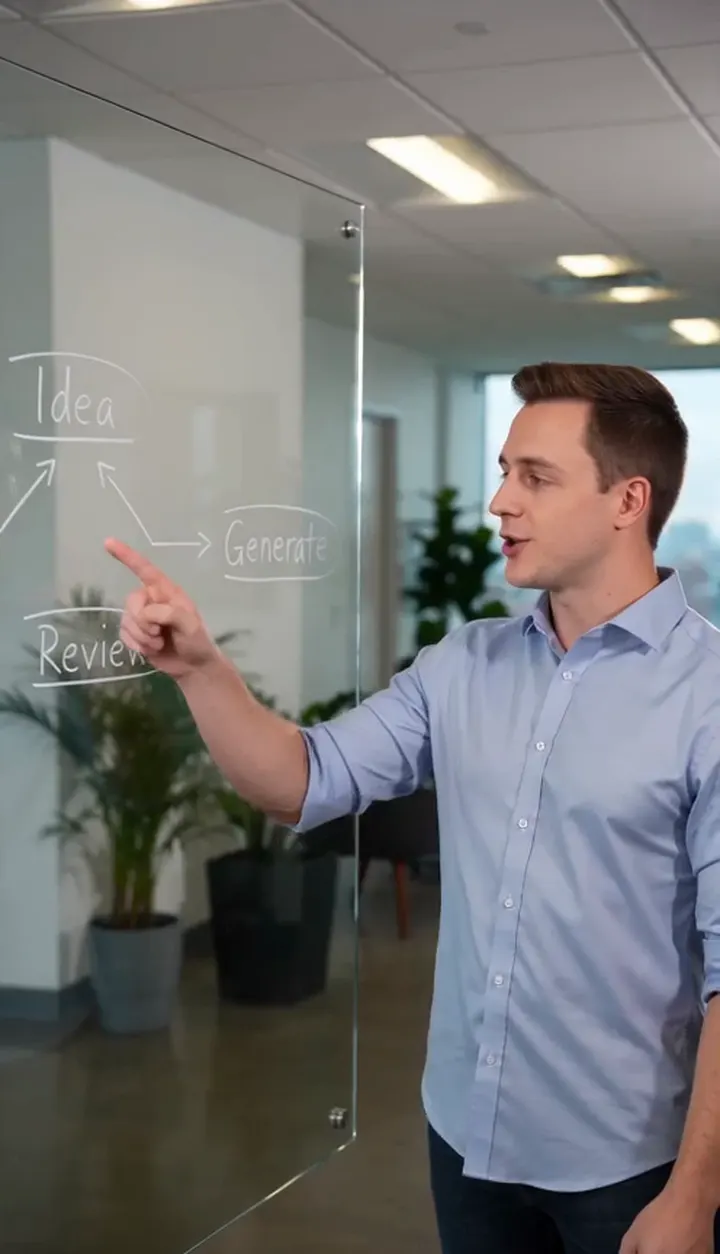
ai training video generator
ai promo video
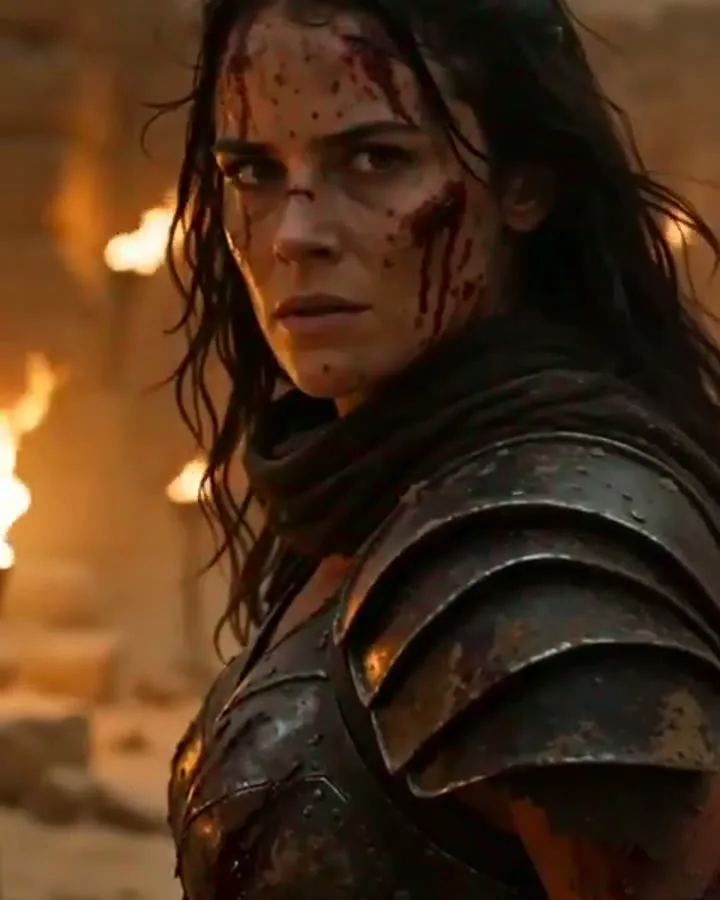
ai video production
HOW IT WORKS
How to create a video from text
Use text to video AI to turn a prompt, script, or ad hook into a clip you can judge quickly.
1
Write the Prompt
Start with the subject, action, camera movement, setting, style, and pacing. A good text to video generator prompt says what should happen, not just what the scene looks like.
2
Choose a Model
Pick the model that fits the test. Use faster or lower-cost models while the prompt is still rough, then move to higher-quality options after the script, camera, and scene direction feel right.
3
Set Output Controls
Choose duration, resolution, aspect ratio, and available audio settings before you submit. FlashEdit shows the credit cost first, so you know what the run will cost.
4
Review and Iterate
Open the result in My Creation, download the clip, or run another version with a tighter prompt. The first result does not need to be final; it should show what to keep and what to rewrite.
CORE CAPABILITIES
Why use this text to video generator in FlashEdit
Turn a written idea into a short clip before you spend time on a full edit.
Prompt-Led Scene Direction
Write what should appear on screen, what moves, where the camera is, and what mood the scene should have. FlashEdit helps when a script, scene idea, or AI text to video prompt needs a quick visual check before you build a full edit.

Models for Different Drafts
Try supported AI video models from one panel instead of rewriting the same text to video prompt in several tools. Start with a lower-cost model for rough tests, then switch when the idea is worth refining.
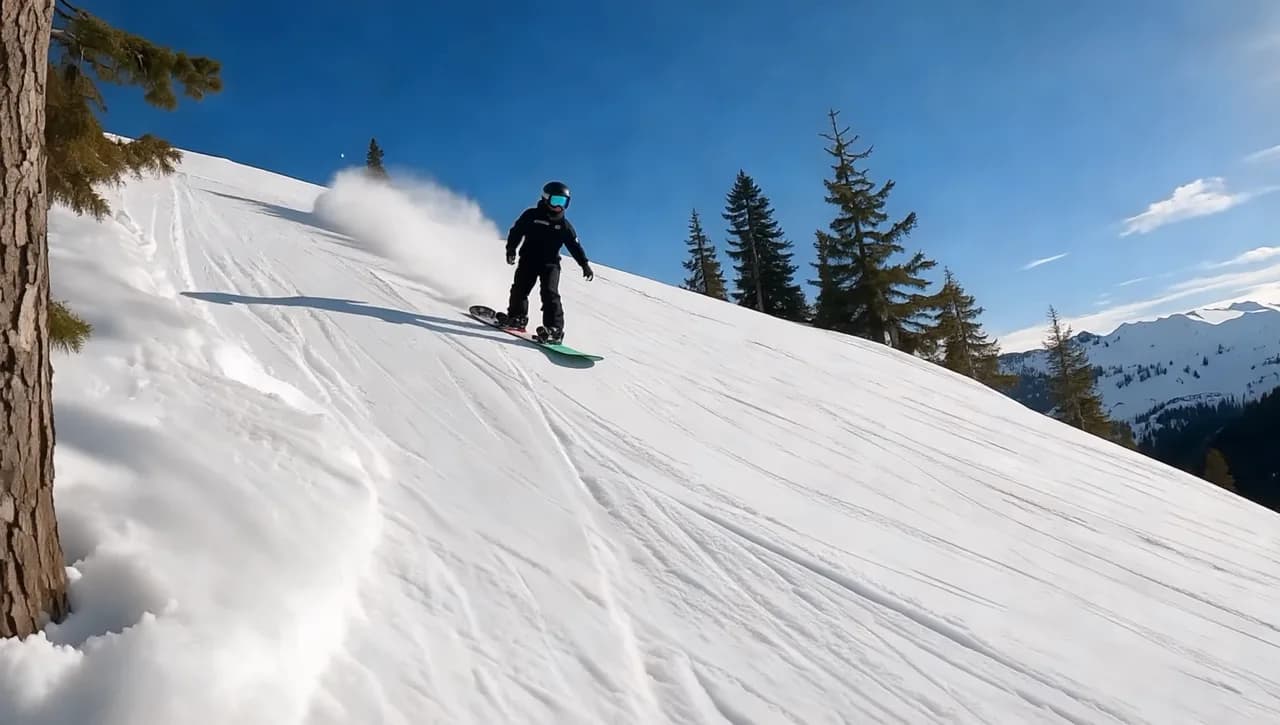
Cost and Output Controls
Set duration, resolution, aspect ratio, and audio options when the selected model supports them. FlashEdit shows the credit cost before submission, so you can test a short clip before paying for a larger generation.
PROMPT WORKFLOWS
When text to video AI is enough, and when it is not
A text prompt is the fastest starting point, but some videos need images or references for consistency.
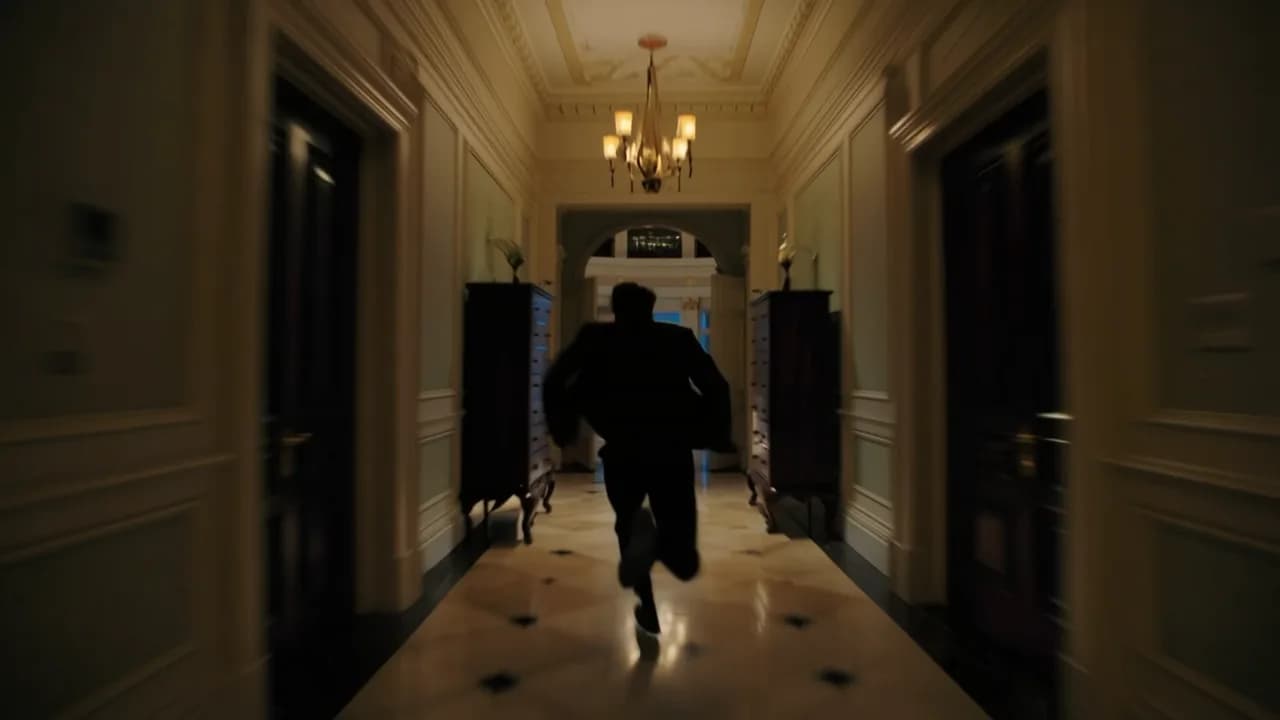
Use text to video when you have a scene idea, ad hook, script, or storyboard note. It works best when you describe the subject, action, camera movement, environment, visual style, and pacing in plain language.
PRODUCTION TOOLS
Turn text-generated clips into usable assets
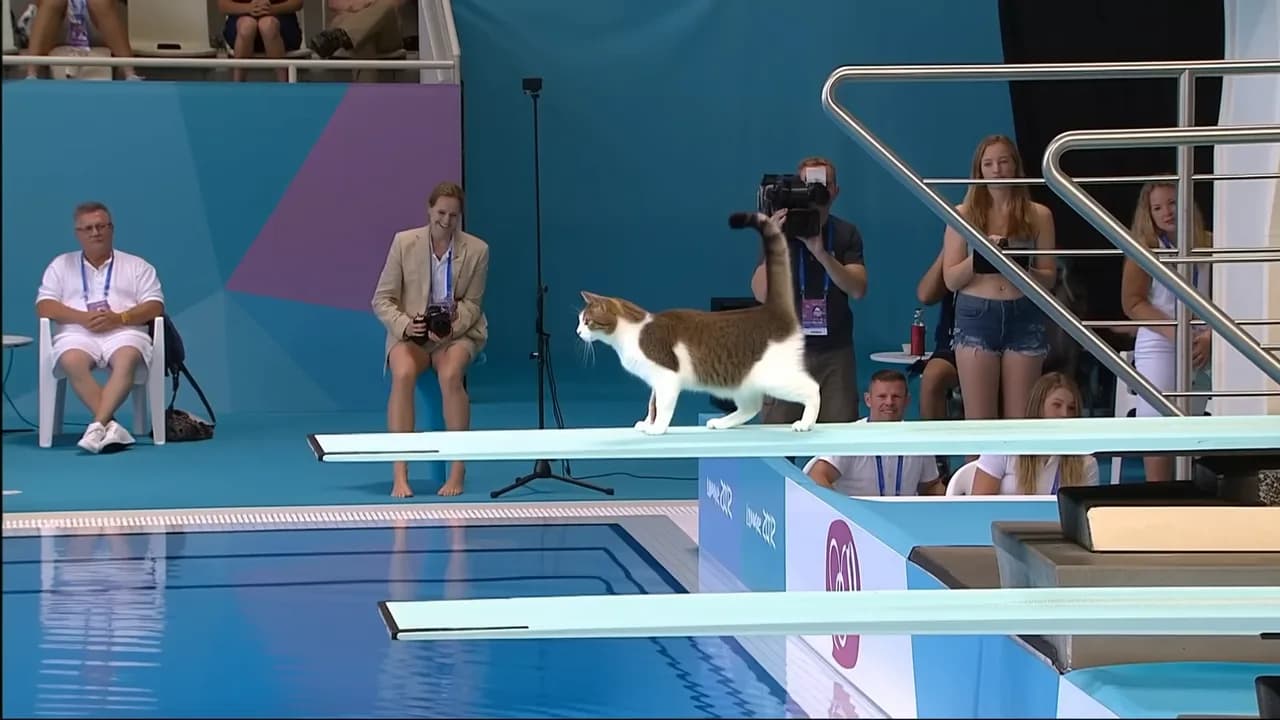
A text to video generator is most useful when the draft can move into the rest of your workflow.
WHO IS FLASHEDIT FOR
Who should use a text to video generator
Use it when written ideas need a visual draft before a full shoot, edit, or design pass.
Growth marketers — Ad hooks
Turn hooks, claims, and product angles into quick video concepts. It is useful for testing whether an ad idea has visual potential before creating final campaign assets.
Prompt starterCreate a 5-second vertical video for [product], showing [main benefit] through [action] in [setting], with a clear opening hook and fast social pacing.
Shorts and TikTok creators — Short-form scripts
Start with a short script, hook, or scene note, then generate a vertical draft for YouTube Shorts, TikTok, Reels, or other social formats.
Prompt starterCreate a 5-second Shorts-style video from this script: [script]. Use quick cuts, one clear subject, and a strong first-second visual hook.
Filmmakers — Story tests
Use written scene notes to test camera movement, mood, pacing, and composition before building a storyboard or planning a more expensive production.
Prompt starterCreate a cinematic draft where [character] does [action] in [location], with [camera movement], [mood], and a clear beginning and ending beat.
Ecommerce teams — Product scene ideas
Draft product scenes from written briefs when you do not yet have reference footage. For strict product consistency, move to image to video with product photos.
Prompt starterCreate a short product scene for [product] showing [use case] in [environment], with clean lighting, close-up details, and a simple camera move.
Educators — Explainer drafts
Turn a lesson point, tutorial note, or onboarding script into a short visual example. It helps you check whether the explanation is clear before editing a full lesson.
Prompt starterCreate a 5-second explainer video that visualizes [concept] with [object or scene], simple motion, and readable pacing.
Agencies — Client concepts
Create fast visual drafts from pitch notes, campaign ideas, or client briefs. It works like an AI video generator from script when you need to compare directions before spending more time on production.
Prompt starterCreate a client concept video for [brand or campaign], showing [audience] using [offer] in [setting], with [style] and a polished pitch-deck feel.
PRICING
Text to video generator pricing uses credits
FlashEdit shows the credit cost before generation. The final cost depends on the selected model, duration, resolution, aspect ratio, and supported audio options.
Starter
$9.9/mo
Best for light monthly FlashEdit AI projects
- 200 AI design credits Per Month
- Up to 20 videos
- Up to 200 images
- Up to 13 songs
- Up to 20 voice tracks
- HD, Watermark-Free Downloads
- Priority support
- Faster Generation Speed
- Private Generation
Popular
PRO
$29.9/mo
Best for regular FlashEdit AI projects
- 1000 AI design credits Per Month
- Up to 100 videos
- Up to 1,000 images
- Up to 66 songs
- Up to 100 voice tracks
- HD, Watermark-Free Downloads
- Priority support
- Faster Generation Speed
- Private Generation
- Credits rollover & never expire
Ultra
$99.9/mo
Perfect for professionals and agencies
- 5000 AI design credits Per Month
- Up to 500 videos
- Up to 5,000 images
- Up to 333 songs
- Up to 500 voice tracks
- HD, Watermark-Free Downloads
- Priority support
- Faster Generation Speed
- Private Generation
- Credits rollover & never expire
FAQ
Text to Video Generator FAQ
Answers about prompts, scripts, models, credits, image references, and downloads.
TESTIMONIALS
How teams use FlashEdit for text to video
Feedback from people turning scripts, campaign hooks, and scene notes into video drafts.
MR
Maya R.
Growth MarketerI use FlashEdit when I have an ad hook but no footage yet. One short text to video test usually tells me if the idea is worth developing.
DC
Daniel C.
FounderIt helps me turn product messages into quick clips. If the script feels weak on screen, I can rewrite it before spending more credits.
LW
Lina W.
CreatorFor Shorts ideas, I start with a hook and scene description. FlashEdit gives me a draft I can judge before I record or edit anything.
AK
Aaron K.
Creative StrategistThe model choice matters. I test the prompt cheaply first, then move to a stronger setting once the scene direction is clear.
SM
Sofia M.
Agency ProducerClient reviews go faster when a written idea becomes a moving sample. It is not final production, but it helps us pick a direction.
NA
Noor A.
Training DesignerI use it for quick lesson visuals and onboarding concepts. The first draft helps me see what the script is missing.
Create a short video from text
Write the scene, choose a model, preview the credit cost, and generate a video draft from your prompt.