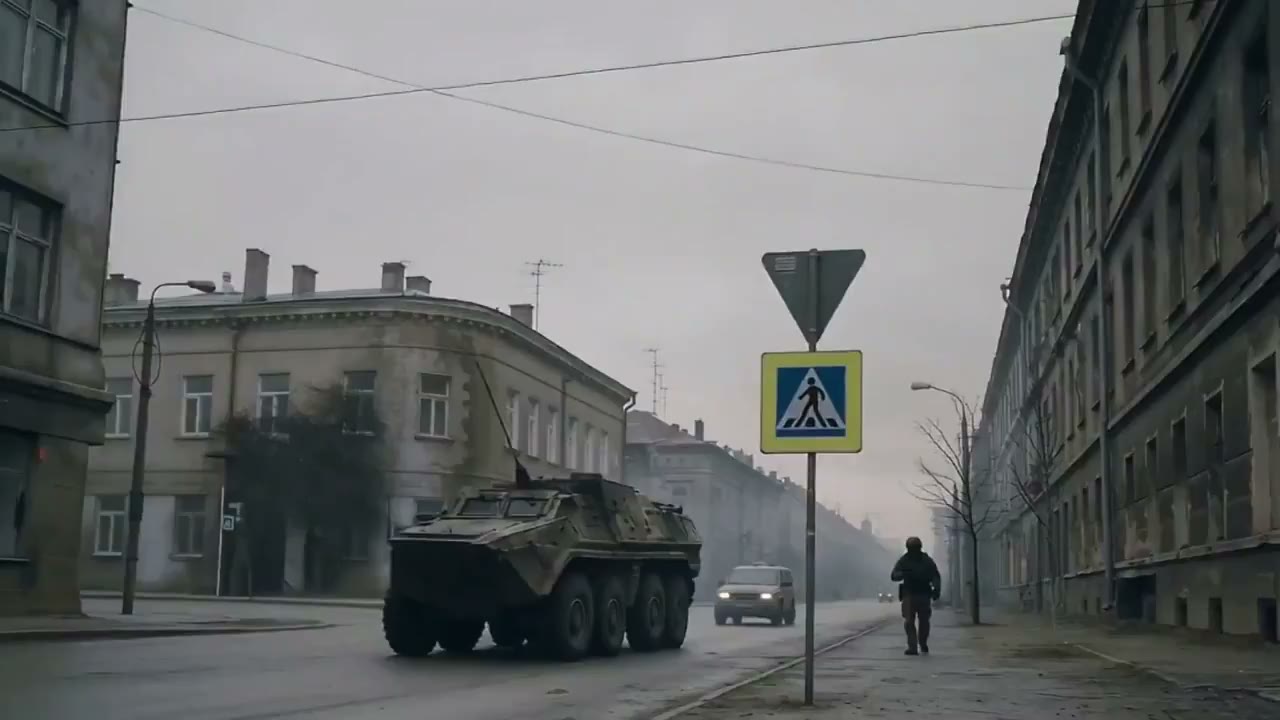
AI Image to Video Generator for Product Photos and Reference Images
Use FlashEdit as an AI image to video generator when a still image needs motion. Upload a product photo, portrait, character image, room shot, or design reference, describe the movement, then create a short video draft for ads, ecommerce, social clips, or story tests with visible model settings and credit cost.
IMAGE VIDEO IDEAS
AI image to video generator examples
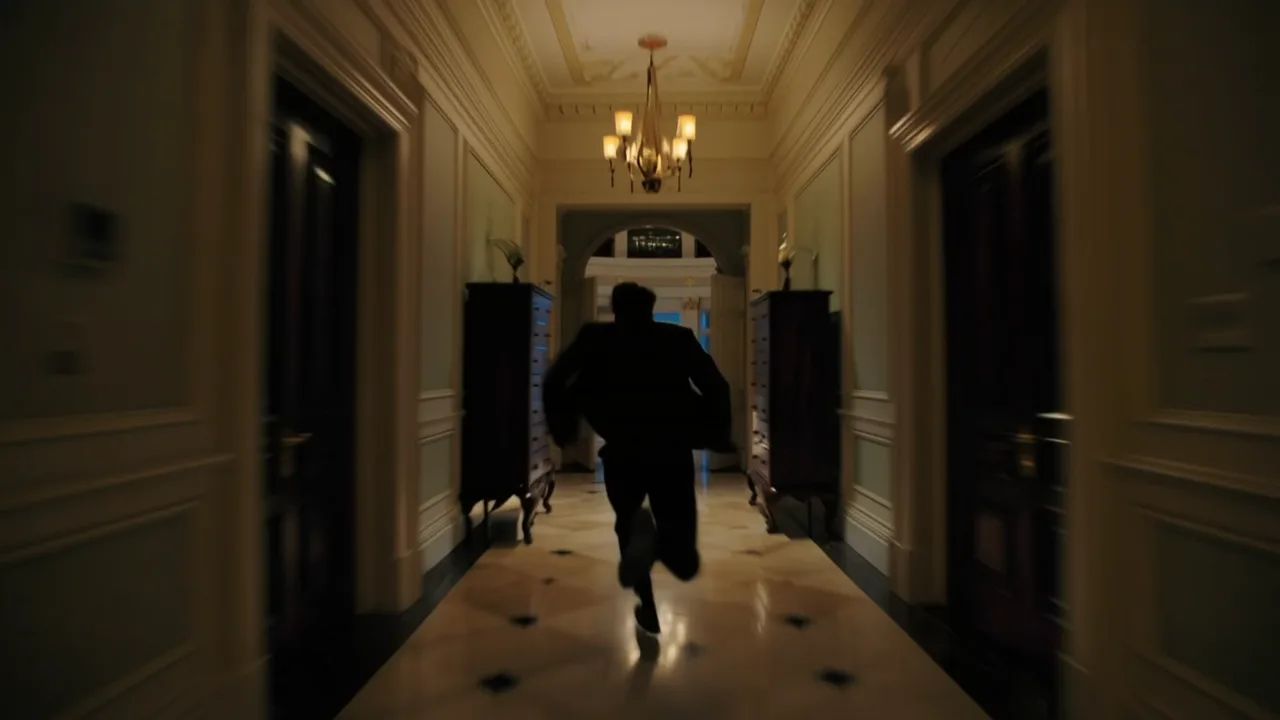
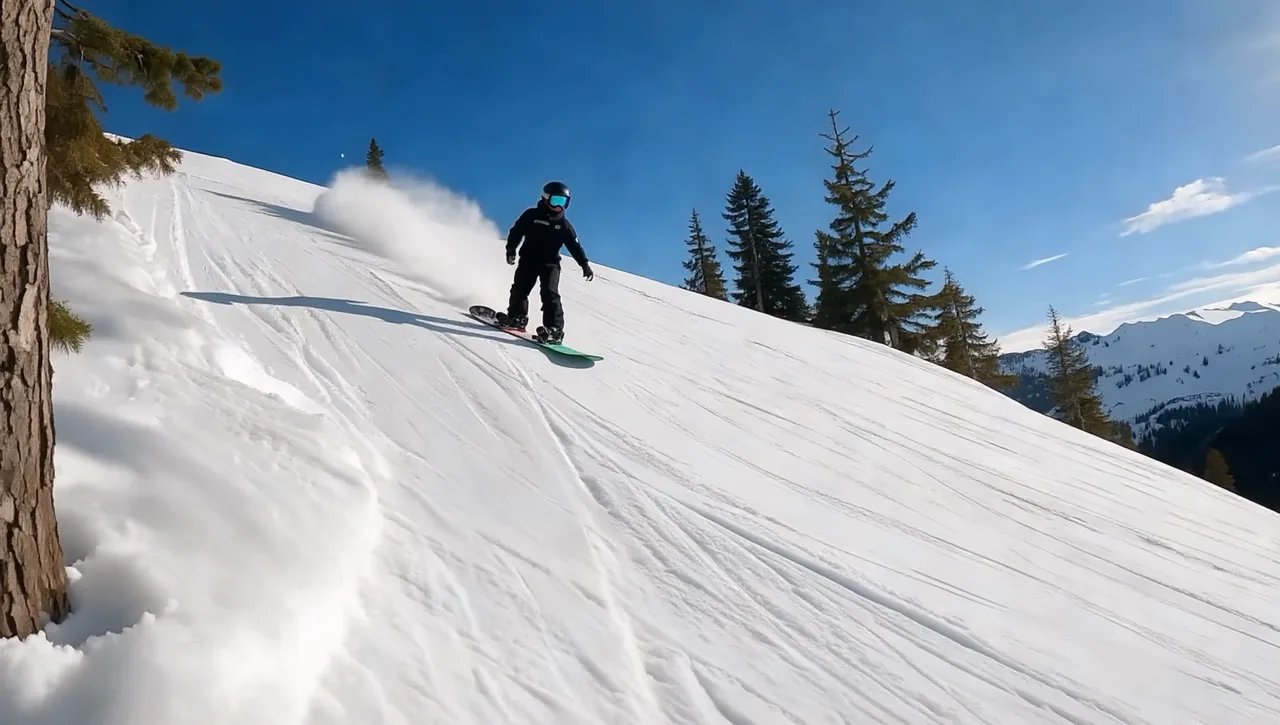
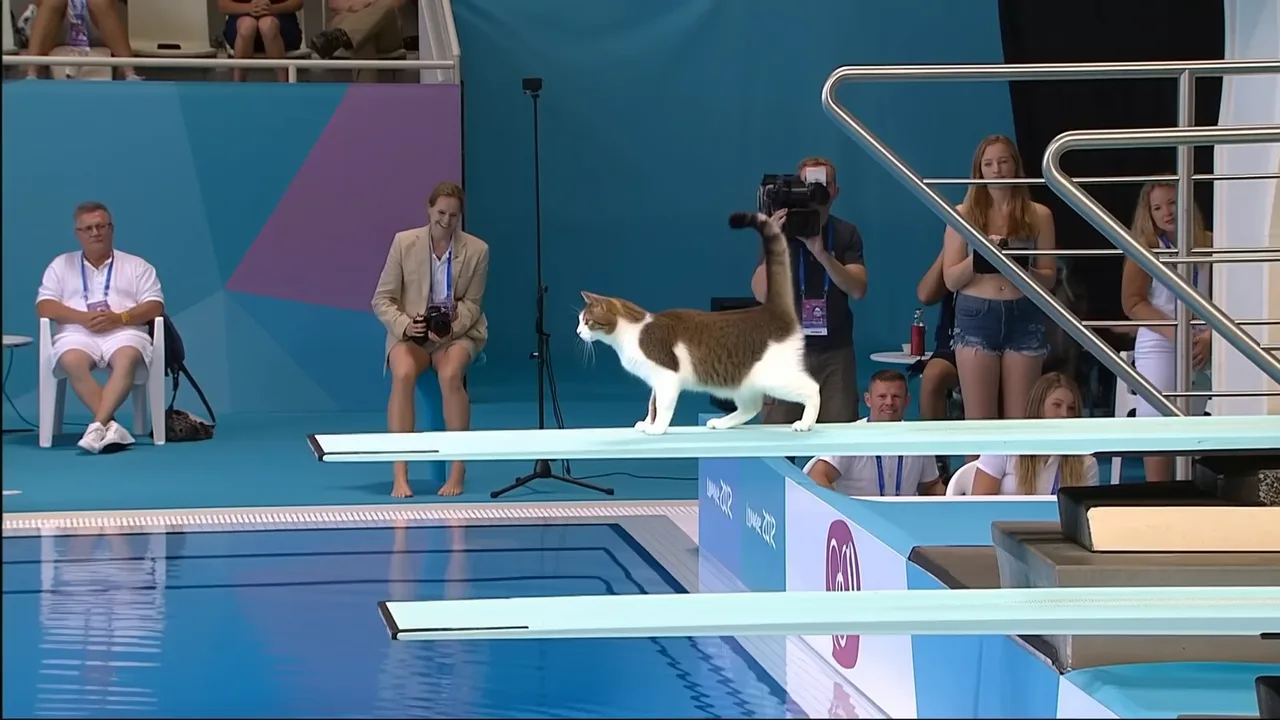
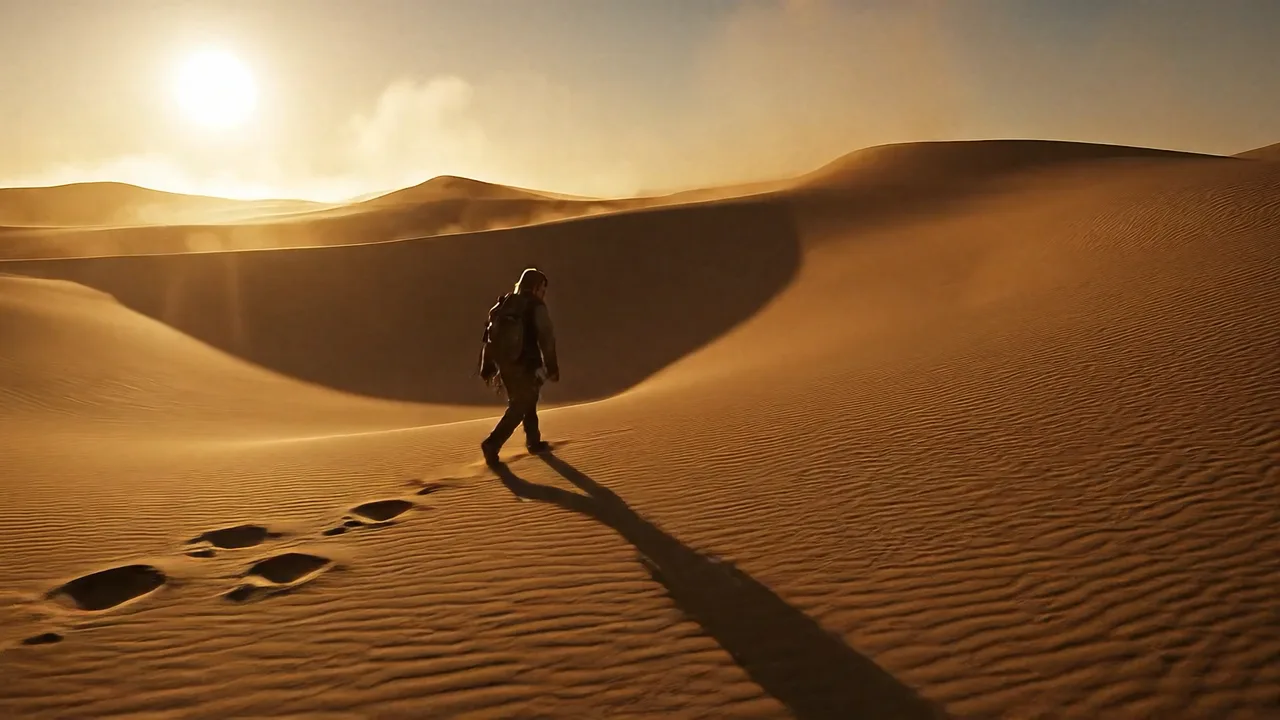
Use these image to video examples when a product photo, portrait, room shot, food image, or design reference needs motion for ads, social posts, ecommerce, or story tests.
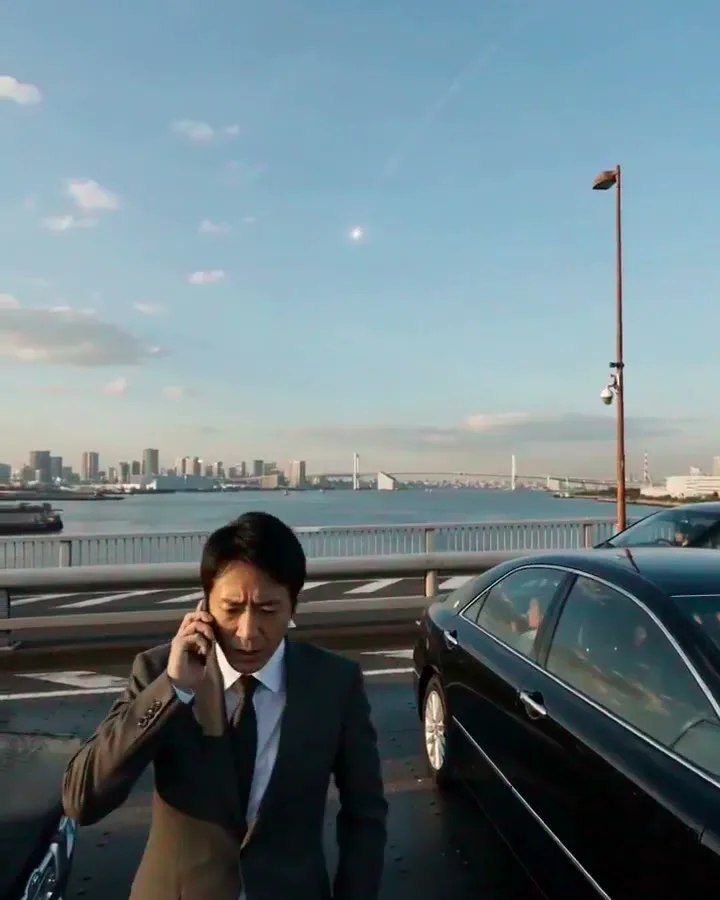
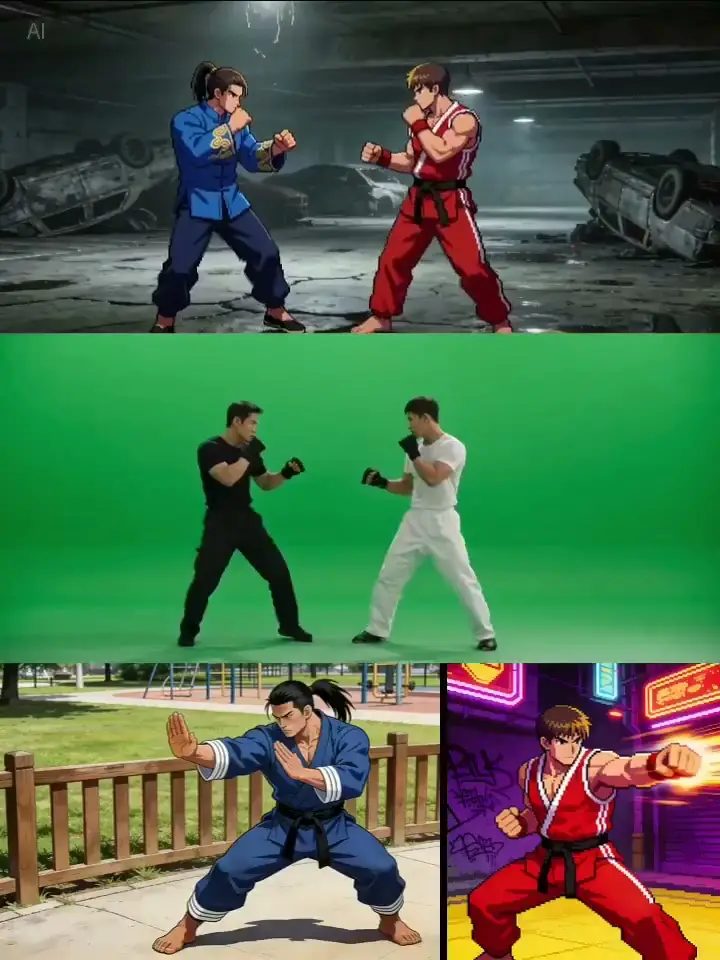
portrait to video ai
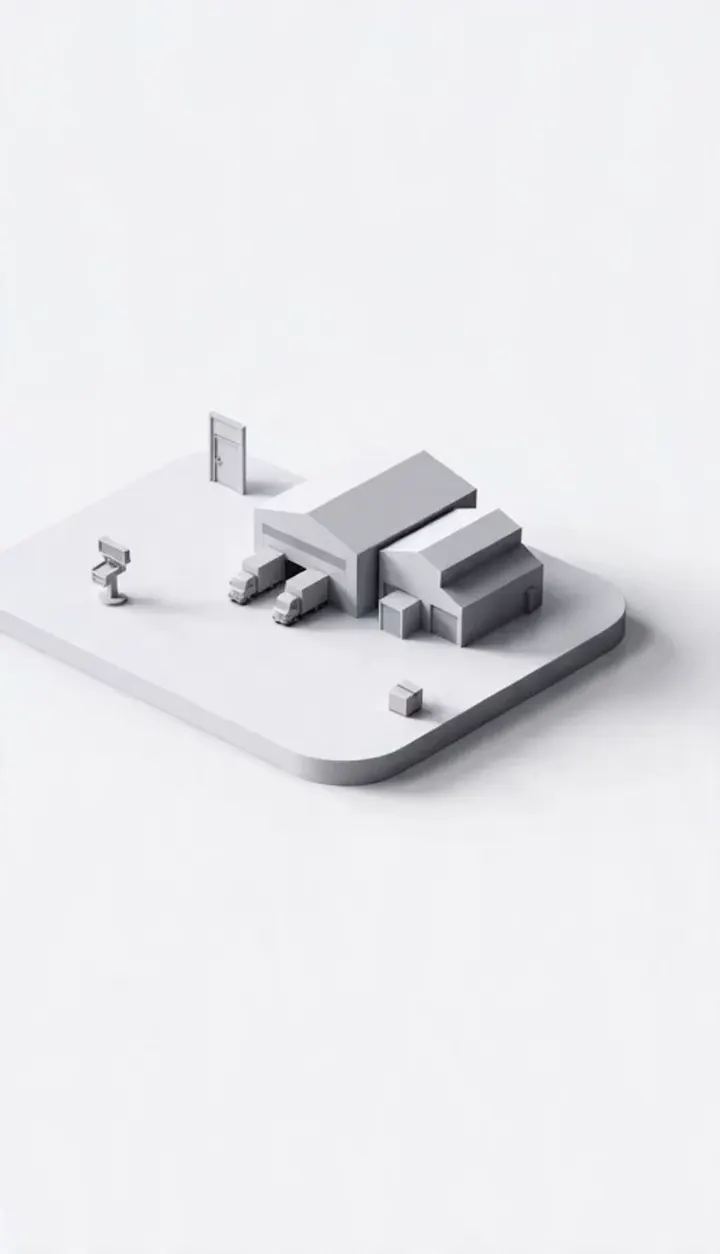
image to video ad
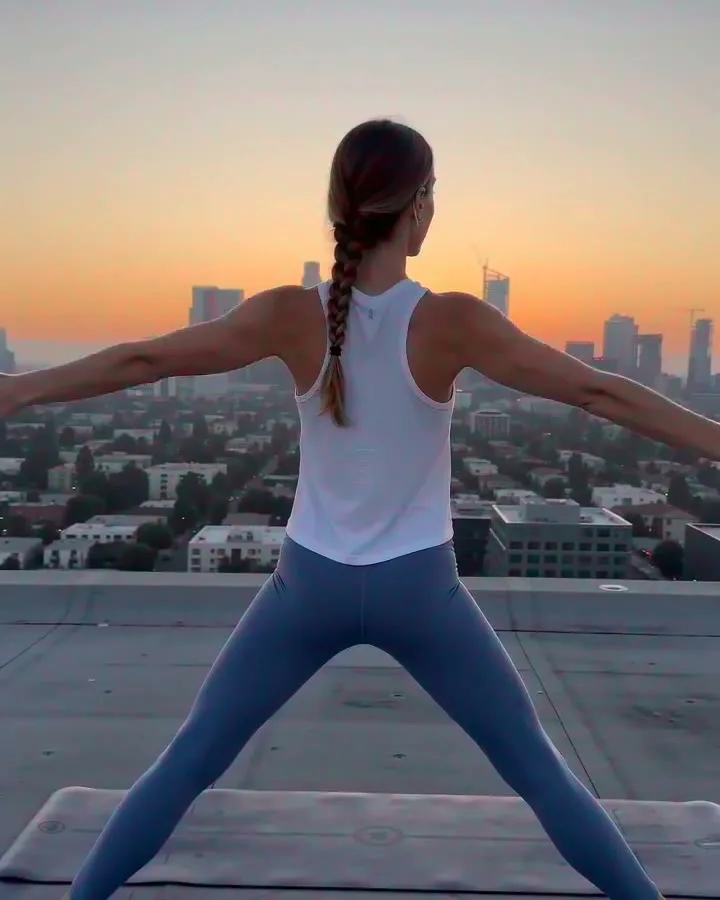
photo to video ai
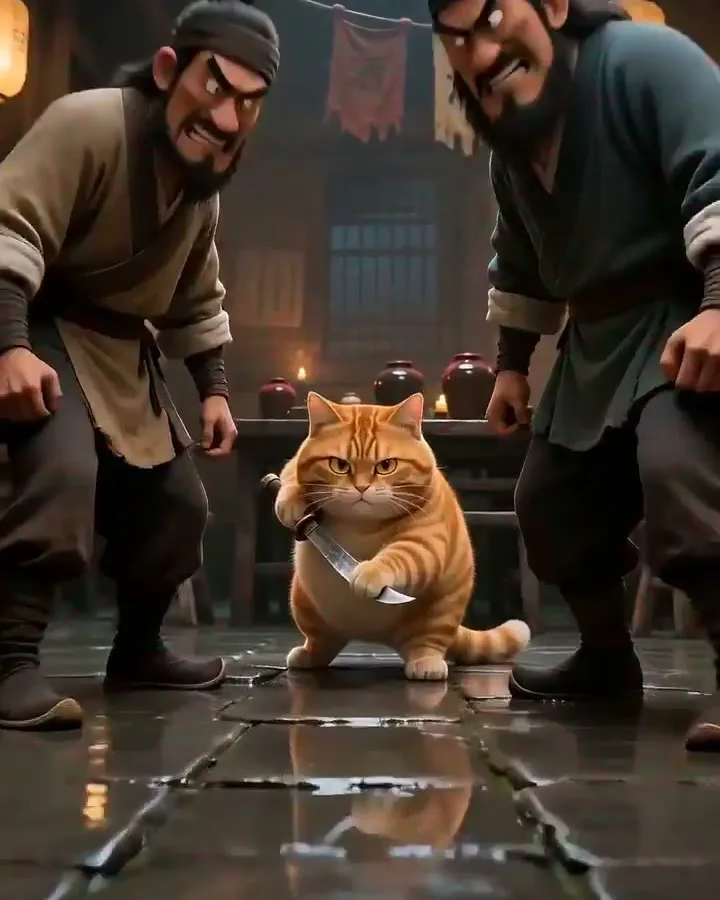
character image to video
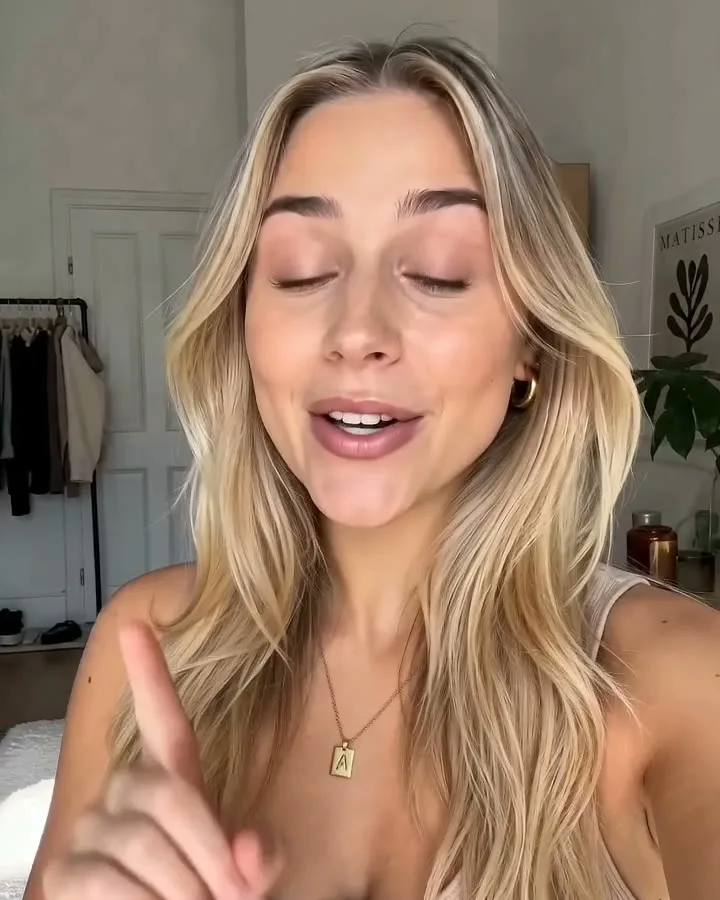
fashion image to video
logo or design to video
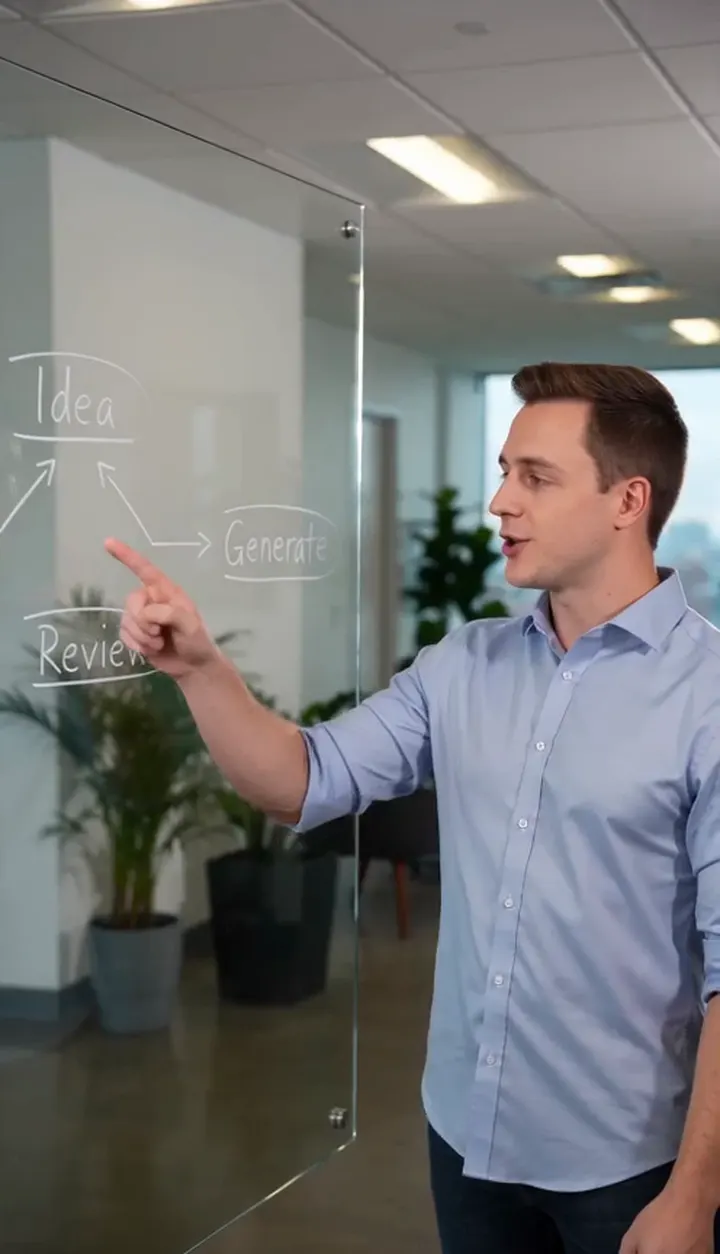
room image to video
food photo to video
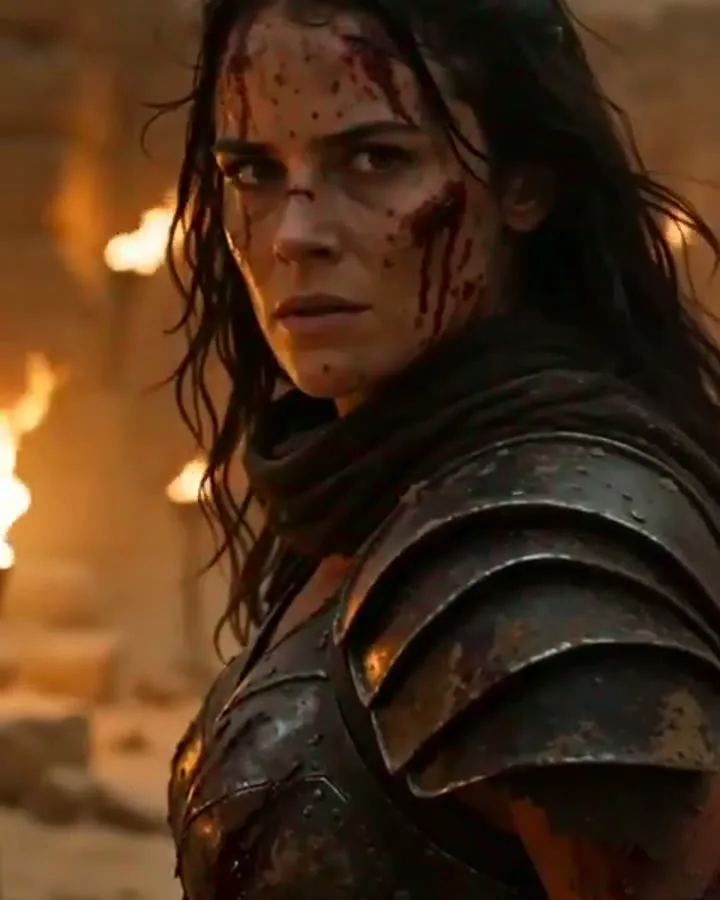
social image to video
HOW IT WORKS
How to turn an image into video
Use this workflow when the image already defines the product, person, place, or design and you need a quick motion test.
1
Upload the Image
Upload the source image you want to animate. Product photos, portraits, character sheets, package shots, interiors, food photos, and design mockups work best when the main subject is clear.
2
Describe the Motion
Use a simple template: subject motion + camera move + pacing + style. Example: "the product slowly rotates as the camera pushes in, soft studio light, clean ecommerce ad style, 5 seconds." The image defines the subject; the prompt defines what changes.
3
Choose Output Settings
Pick the model, duration, resolution, aspect ratio, and reference mode. If you need tighter visual control, choose a model that supports multiple reference images or start/end frames before submitting.
4
Review and Reuse
Open the result in My Creation, download the clip, or reuse the saved image or video reference for another version. If the motion is close but not right, adjust one detail and run a shorter test.
CORE CAPABILITIES
Why use this AI image to video generator in FlashEdit
Keep the uploaded image as the visual anchor, then test motion, camera direction, and short video ideas without starting from a blank prompt.
Image-Guided Video Drafts
Start from a product photo, portrait, character image, room shot, food image, or design reference when the result needs to stay close to the source visual.

Prompted Motion Direction
Use the prompt to say what moves, how the camera behaves, and what should happen in the first few seconds. The image gives the model the subject; the prompt gives it action.
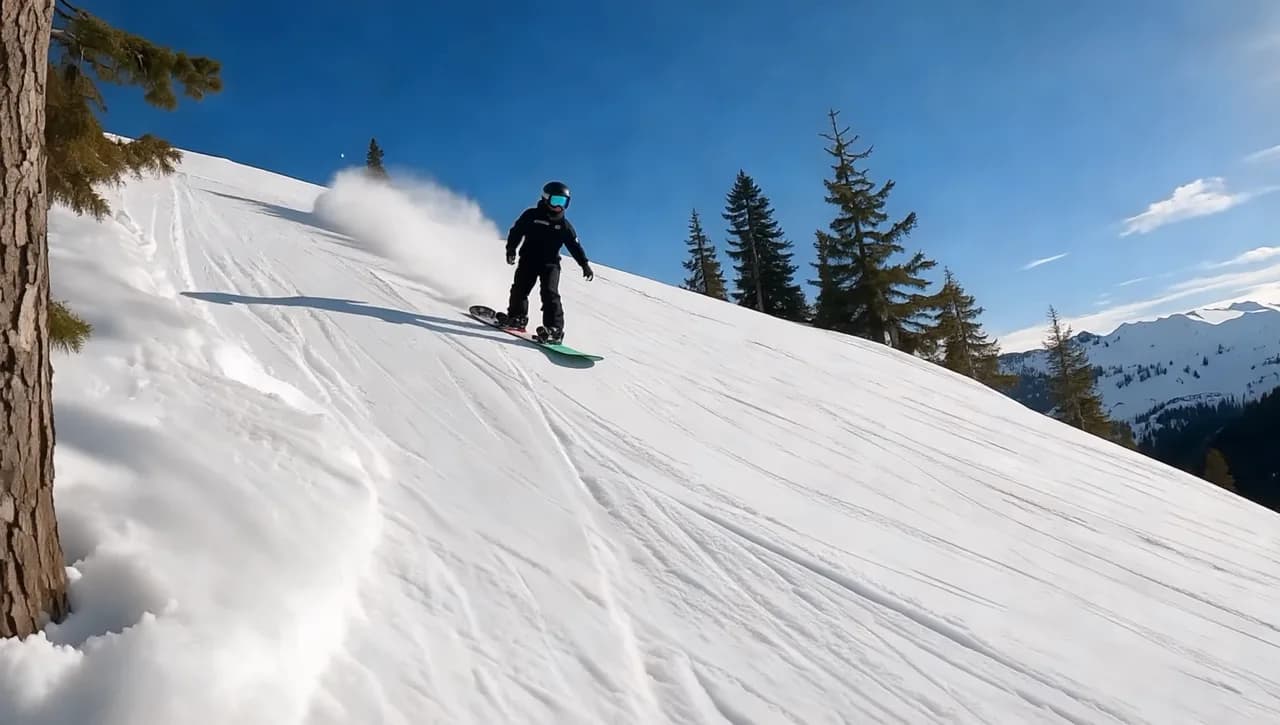
Model, Duration, and Cost Controls
Choose the model, duration, resolution, aspect ratio, and supported reference-image mode before generation. FlashEdit shows the credit cost before you submit.
IMAGE WORKFLOWS
Choose the right image to video workflow
Some clips need one strong image. Others need multiple reference images, first-frame control, start/end frames, or a text-only test first.
Use text to video only when you do not have a source image yet. If the product, face, outfit, room, or layout must stay consistent, start with Image to Video instead.
PRODUCTION TOOLS
Turn image-generated clips into usable assets
Use the generated clip as a draft asset for campaigns, product pages, social posts, and creative review.
WHO IS FLASHEDIT FOR
Who should use an AI image to video generator
Use it when a still image already defines the look and the next step is motion.
Growth marketers — Product ads
Turn product photos, campaign stills, and landing page visuals into short video concepts before producing a final ad. Test the motion first, then decide whether the concept deserves more budget.
Creators — Social clips
Animate a portrait, lifestyle image, or post visual into a short clip for TikTok, Shorts, Reels, and other social formats without rebuilding the idea from text alone.
Filmmakers — Look tests
Use a character image, location still, or mood frame to test movement, camera direction, and visual tone before building a full shot plan or storyboard.
Ecommerce teams — Product motion
Start with packaging, catalog images, or product photos and create motion drafts for product pages, ads, or storefront tests. It works well when the product must remain recognizable.
PRICING
AI image to video generator pricing uses credits
FlashEdit shows the credit cost before generation. The final cost depends on model, duration, resolution, aspect ratio, and supported reference media. For early image-to-video tests, start with a shorter duration and standard resolution, then move up once the motion works.
Starter
$9.9/mo
Best for light monthly FlashEdit AI projects
- 200 AI design credits Per Month
- Up to 20 videos
- Up to 200 images
- Up to 13 songs
- Up to 20 voice tracks
- HD, Watermark-Free Downloads
- Priority support
- Faster Generation Speed
- Private Generation
Popular
PRO
$29.9/mo
Best for regular FlashEdit AI projects
- 1000 AI design credits Per Month
- Up to 100 videos
- Up to 1,000 images
- Up to 66 songs
- Up to 100 voice tracks
- HD, Watermark-Free Downloads
- Priority support
- Faster Generation Speed
- Private Generation
- Credits rollover & never expire
Ultra
$99.9/mo
Perfect for professionals and agencies
- 5000 AI design credits Per Month
- Up to 500 videos
- Up to 5,000 images
- Up to 333 songs
- Up to 500 voice tracks
- HD, Watermark-Free Downloads
- Priority support
- Faster Generation Speed
- Private Generation
- Credits rollover & never expire
FAQ
AI Image to Video Generator FAQ
Answers about uploaded images, prompts, references, credits, downloads, and model support.
TESTIMONIALS
How teams use FlashEdit for image to video
Feedback from people turning product photos, portraits, and references into short video drafts.
MR
Maya R.
Growth MarketerI use FlashEdit when a product image needs motion for an ad test. It is faster than planning a shoot just to check one angle.
DC
Daniel C.
FounderUploading the product first keeps the idea grounded. The prompt adds the action, but the image keeps the result close to our visual direction.
LW
Lina W.
CreatorI start from portraits and lifestyle stills. FlashEdit helps me turn them into short clips I can test before editing a full post.
AK
Aaron K.
Creative StrategistFor client previews, one image plus a tight motion prompt is enough to compare several directions quickly.
SM
Sofia M.
Agency ProducerIt is useful when the client already has approved visuals. We can animate the approved image instead of starting from scratch.
NA
Noor A.
Ecommerce DesignerProduct images become quick motion drafts for pages and ads. The credit preview helps keep tests under control.
Turn an image into a short video
Upload a product photo, portrait, room shot, or design reference, describe the motion, choose a model, and generate an AI image to video draft with visible credit cost.