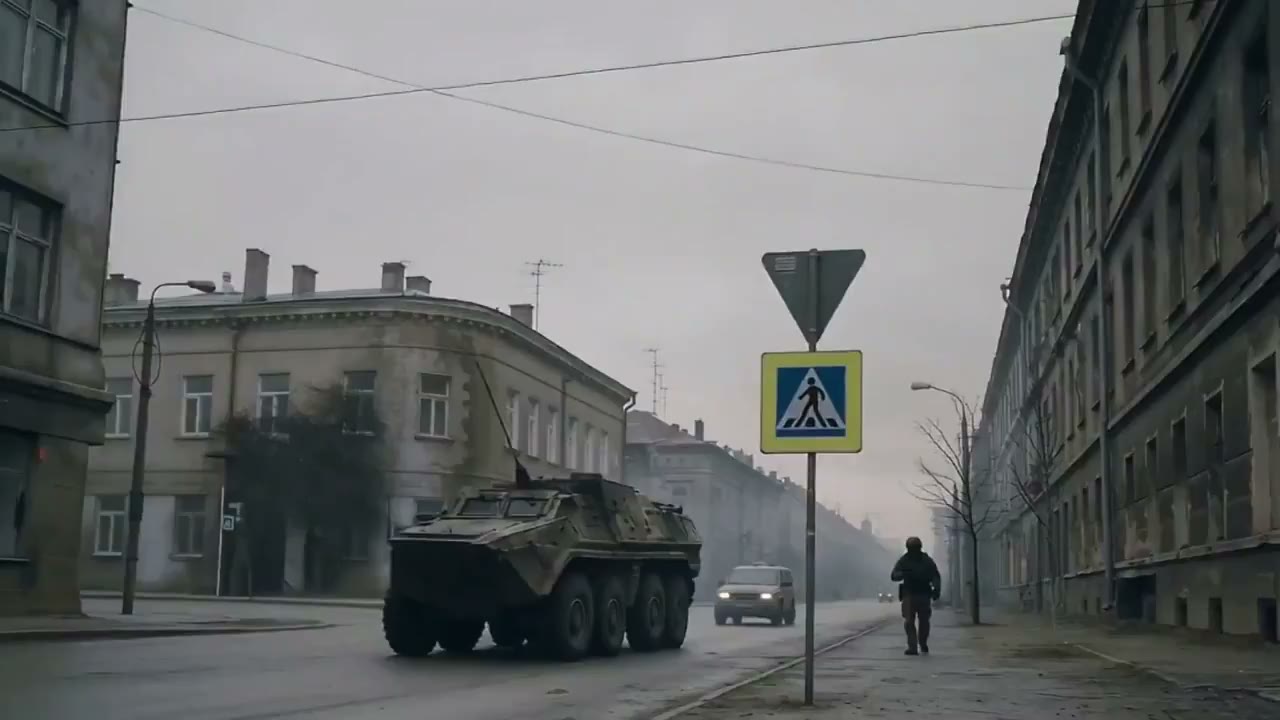
AI Product Video Generator for Product Photos, Ecommerce, and Ads
Use FlashEdit as an AI product video generator when a product photo needs motion for an ecommerce product video, product video ad, launch teaser, or social clip. Upload a clean product image, describe the camera move or product action, choose a model, preview credit cost, and generate a short product video draft.
PRODUCT VIDEO IDEAS
AI product video generator examples
Use these AI product video generator examples when a product photo, package shot, catalog image, or ecommerce visual needs motion for ads, product pages, launch content, or social clips.
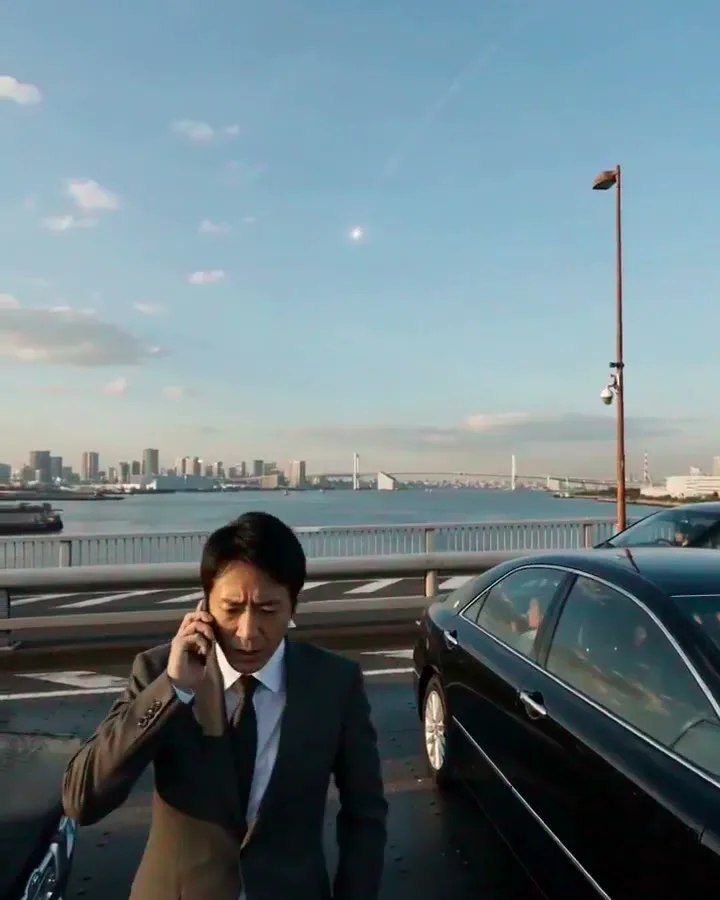
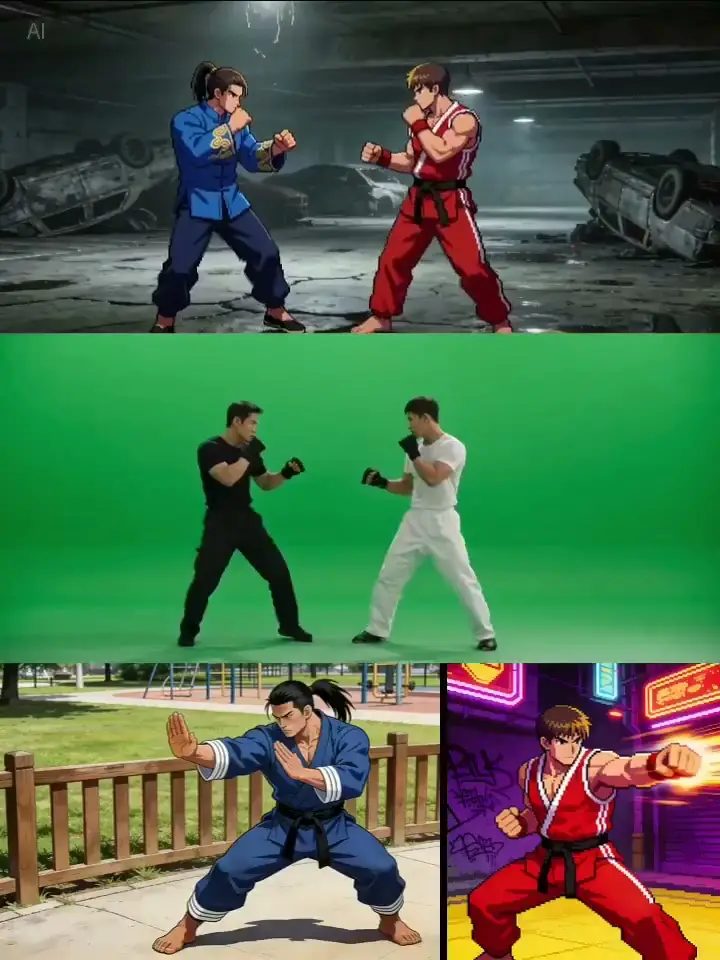
ecommerce product video
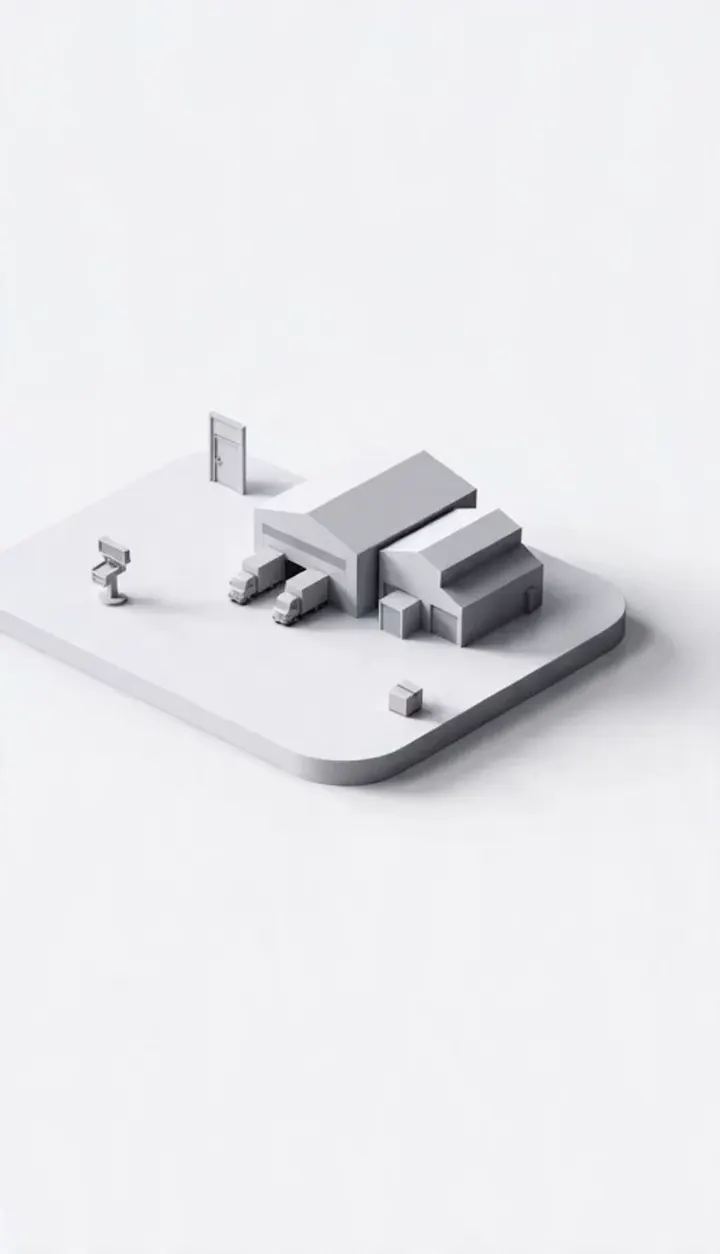
product video ad
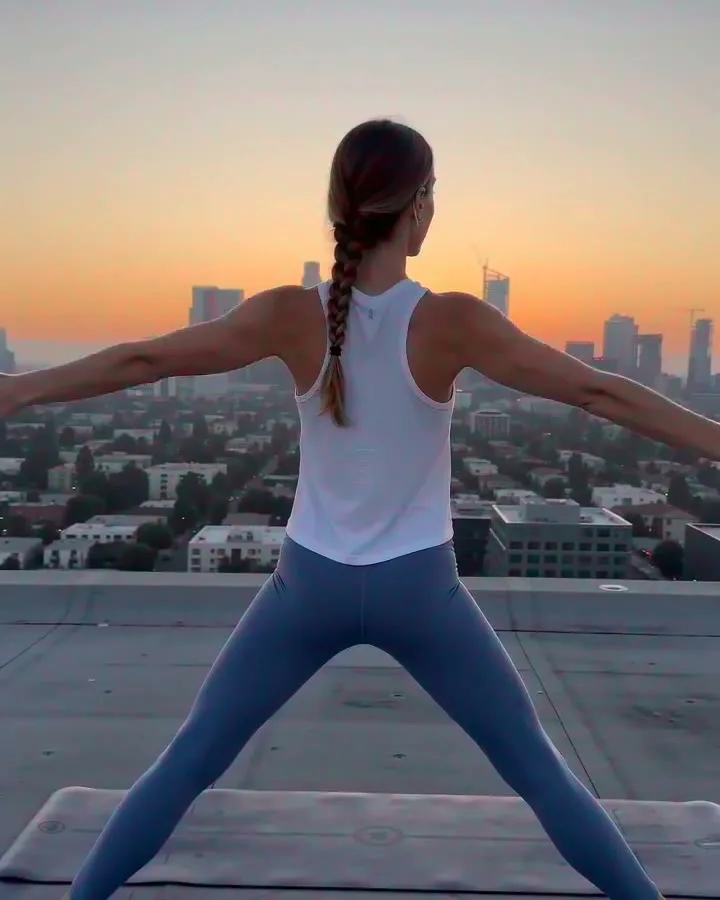
product demo video

packaging video
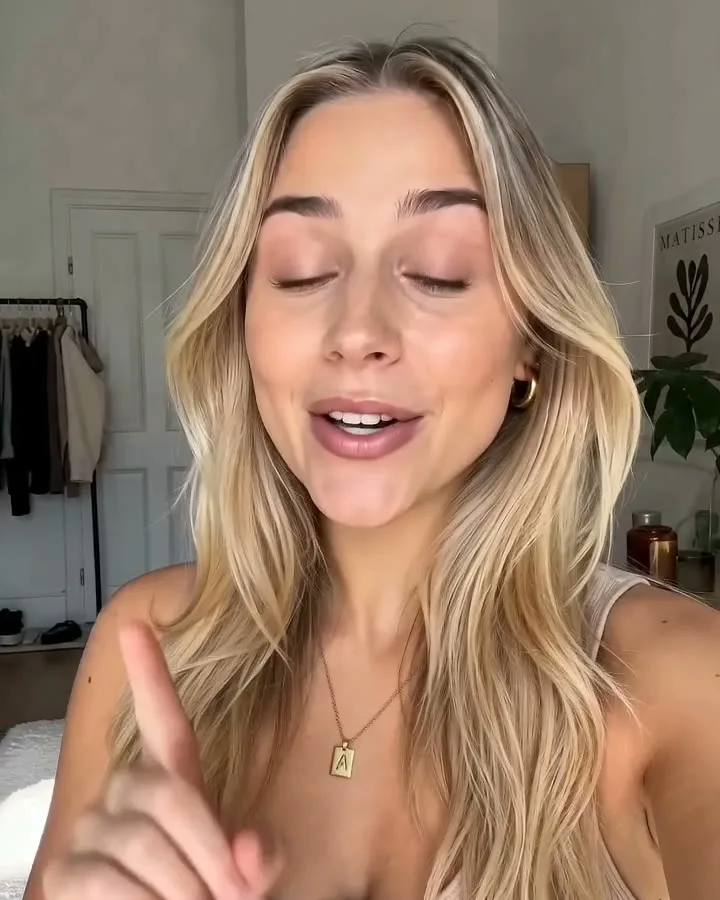
beauty product video

fashion product video
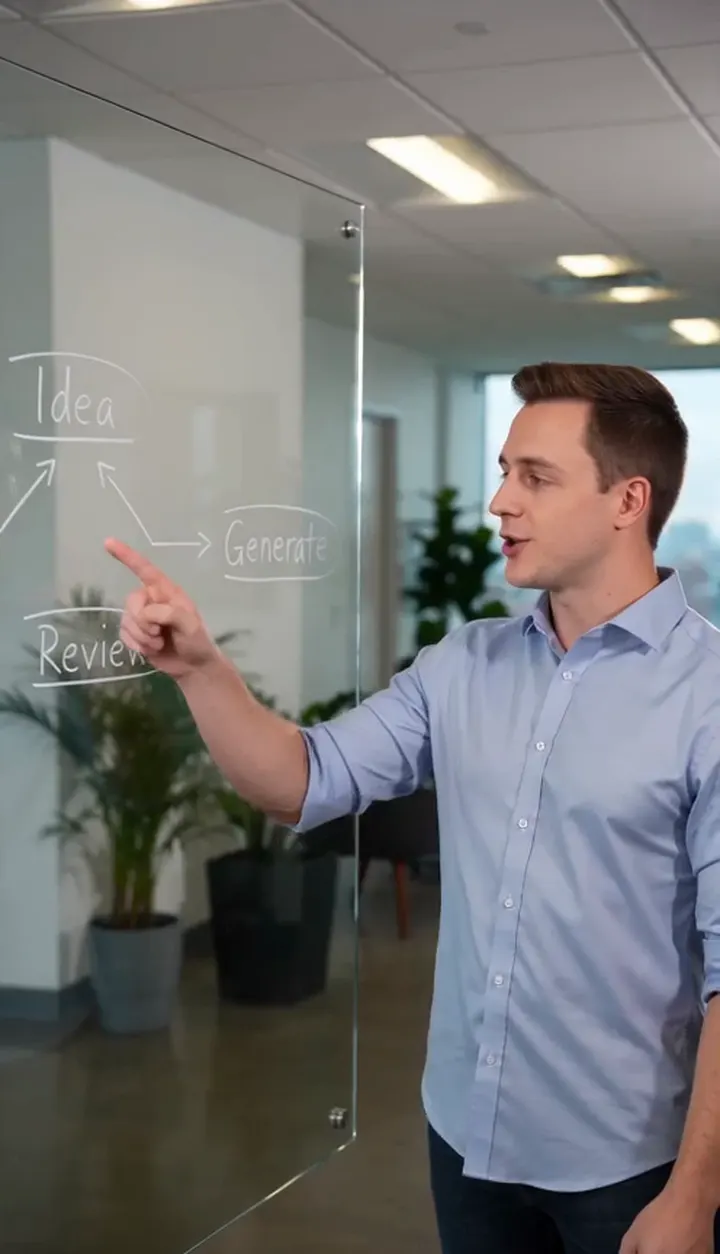
food and drink product video
Amazon product video

social product video
HOW IT WORKS
How to create product videos with AI
Use this workflow when you already have product imagery and need a fast product photo to video concept for ecommerce, ads, or social testing.
1
Upload a Product Image
Start with a clear product photo, packaging shot, lifestyle product image, or brand-approved visual. Clean lighting and a visible subject help the AI product video generator keep the product easier to judge.
2
Describe the Product Motion
Write the product action, camera movement, setting, and style. Example: "the bottle rotates slowly on a clean studio surface, camera pushes in, soft reflections, premium ecommerce product video ad."
3
Choose Output Settings
Pick a model, duration, aspect ratio, resolution, and reference mode. Use shorter tests while checking the product angle, then increase settings after the product video motion works.
4
Review and Reuse
Open the result in My Creation, download it, or run another version with a tighter prompt. Use the strongest draft for product pages, product video ads, launch concepts, or social edits.
CORE CAPABILITIES
Why use this AI product video generator in FlashEdit
Turn approved product visuals into short product video drafts before planning a shoot, edit, product page update, or campaign asset.
Product-First Video Drafts
Start from a product photo, packaging shot, catalog image, or brand reference when the item needs to stay recognizable. This is the best fit for product photo to video tests where the real item matters.

Motion Prompts for Commerce
Describe product rotation, camera push-ins, lifestyle use, close-up details, reveal shots, or simple scene movement so the result has a clear commercial job for an ecommerce product video or ad.
Model, Duration, and Credit Controls
Choose the model, duration, resolution, aspect ratio, and supported reference mode before submission. FlashEdit shows the credit cost before you generate.
PRODUCT WORKFLOWS
Choose the right product video workflow
Some product videos need one strong image. Others need text prompts, multiple references, or motion guidance depending on the model.
Use text to video for loose product scene ideas when exact product consistency is not critical. If the product must match a real item, use product photo to video instead.
PRODUCTION TOOLS
Turn product video drafts into useful assets
Use generated product clips as early creative material for ecommerce product videos, paid social tests, launch boards, and client reviews.
WHO IS FLASHEDIT FOR
Who should use an AI product video generator
Use it when product images need motion before you commit to a shoot, edit, product page asset, or full campaign.
Growth marketers — Ad tests
Turn product photos and offer angles into product video ad concepts for paid social tests, landing pages, and campaign review.
Short-form creators — Creator-style product clips
Create vertical product video drafts for TikTok, Reels, Shorts, and social posts when you need quick motion from existing product images.
Video producers — Shot planning
Use product photos to test camera movement, reveal shots, and scene mood before planning a more expensive shoot or edit.
Ecommerce teams — Product page media
Create ecommerce product video drafts from catalog photos, packaging shots, and lifestyle images for product pages, stores, and marketplace tests.
PRICING
AI product video generator pricing uses credits
FlashEdit shows the credit cost before generation. The final AI product video generator cost depends on model, duration, resolution, aspect ratio, and supported reference media. Start with short product photo to video tests, then increase settings once the motion and product angle are clear.
Starter
$9.9/mo
Best for light monthly FlashEdit AI projects
- 200 AI design credits Per Month
- Up to 20 videos
- Up to 200 images
- Up to 13 songs
- Up to 20 voice tracks
- HD, Watermark-Free Downloads
- Priority support
- Faster Generation Speed
- Private Generation
Popular
PRO
$29.9/mo
Best for regular FlashEdit AI projects
- 1000 AI design credits Per Month
- Up to 100 videos
- Up to 1,000 images
- Up to 66 songs
- Up to 100 voice tracks
- HD, Watermark-Free Downloads
- Priority support
- Faster Generation Speed
- Private Generation
- Credits rollover & never expire
Ultra
$99.9/mo
Perfect for professionals and agencies
- 5000 AI design credits Per Month
- Up to 500 videos
- Up to 5,000 images
- Up to 333 songs
- Up to 500 voice tracks
- HD, Watermark-Free Downloads
- Priority support
- Faster Generation Speed
- Private Generation
- Credits rollover & never expire
FAQ
AI Product Video Generator FAQ
Answers about product images, prompts, references, credits, ecommerce use, and downloads.
TESTIMONIALS
How teams use FlashEdit for product videos
Feedback from people turning product photos and campaign visuals into short AI product video drafts.
MR
Maya R.
Growth MarketerI use FlashEdit to test whether a product angle has enough movement for a product video ad before we spend time building the final creative.
DC
Daniel C.
FounderA clean product photo plus a motion prompt gives us a quick product photo to video draft for landing pages and launch reviews.
LW
Lina W.
CreatorFor social clips, I start with the product image and test a few camera moves before editing the final post.
AK
Aaron K.
Creative StrategistIt is useful for comparing product reveal ideas. We can choose the direction before putting budget into production.
SM
Sofia M.
Agency ProducerClients often send approved product images. FlashEdit helps us turn those into motion concepts without starting from scratch.
NA
Noor A.
Ecommerce DesignerThe credit preview makes AI product video generator testing easier to control, especially when we need several variations.
Turn a product photo into a short video
Upload a product image, describe the motion, choose a model, preview credits, and generate an AI product video draft for ecommerce product videos, ads, or social clips.