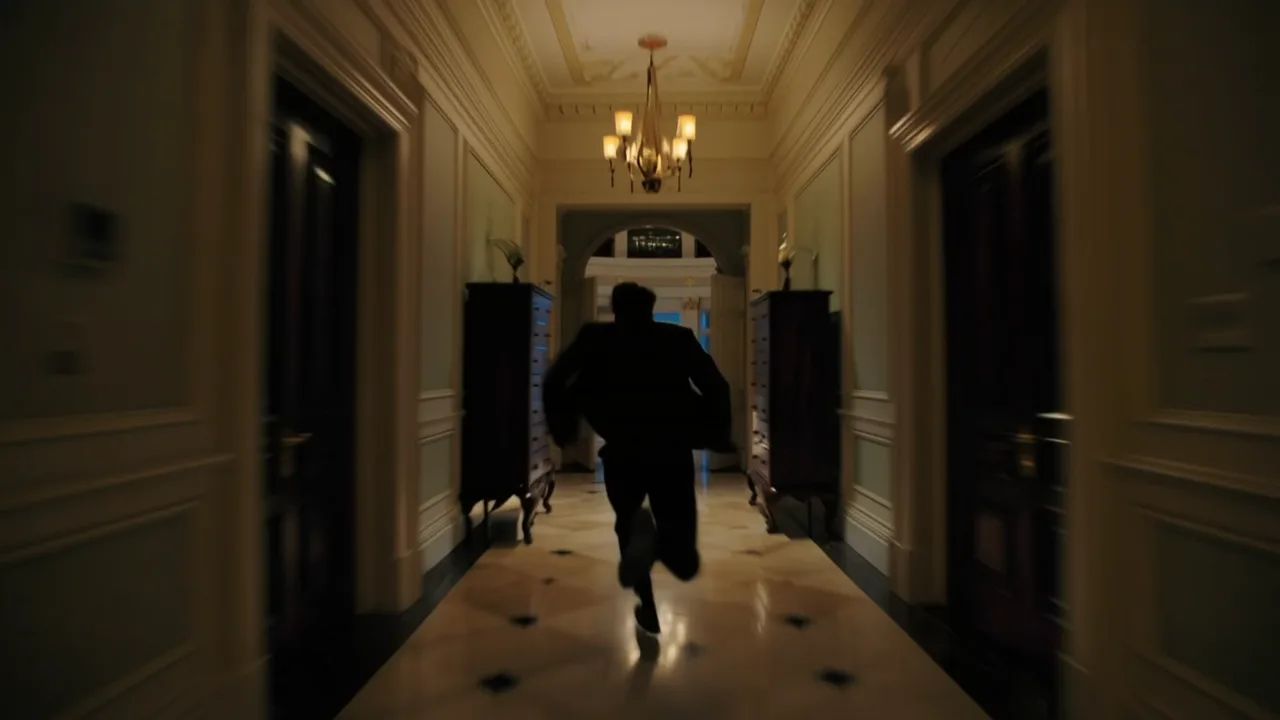
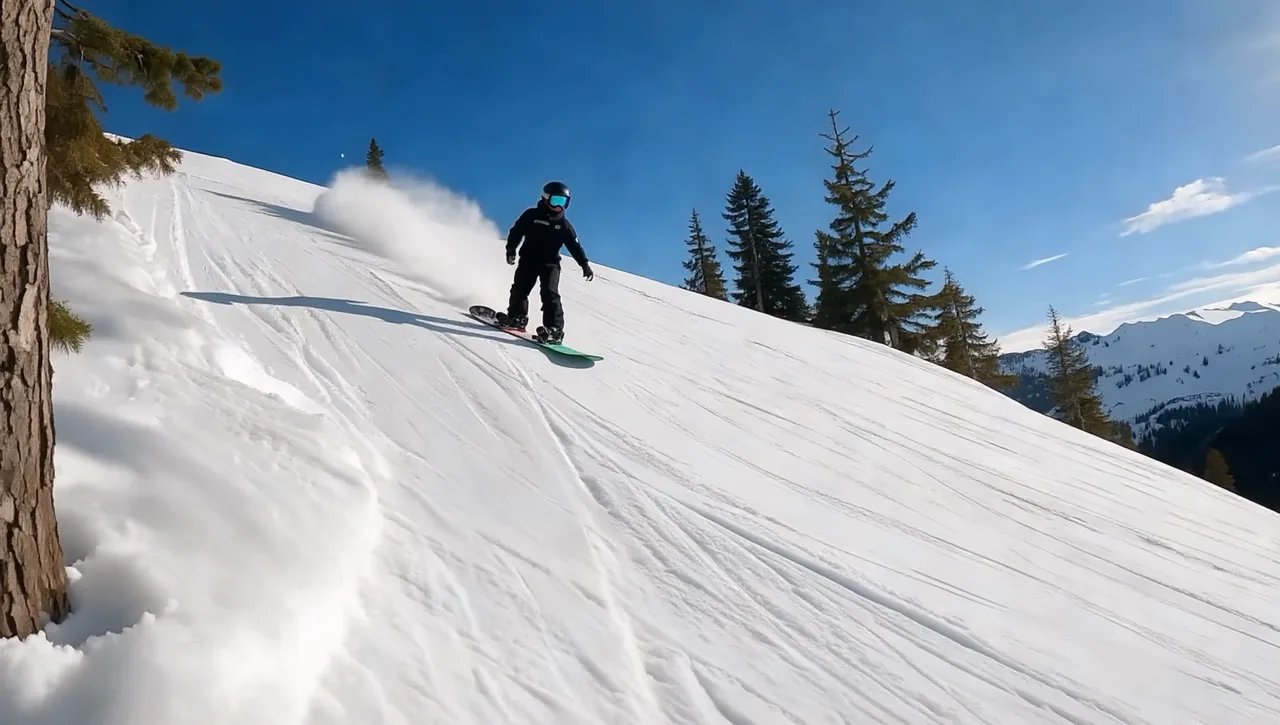
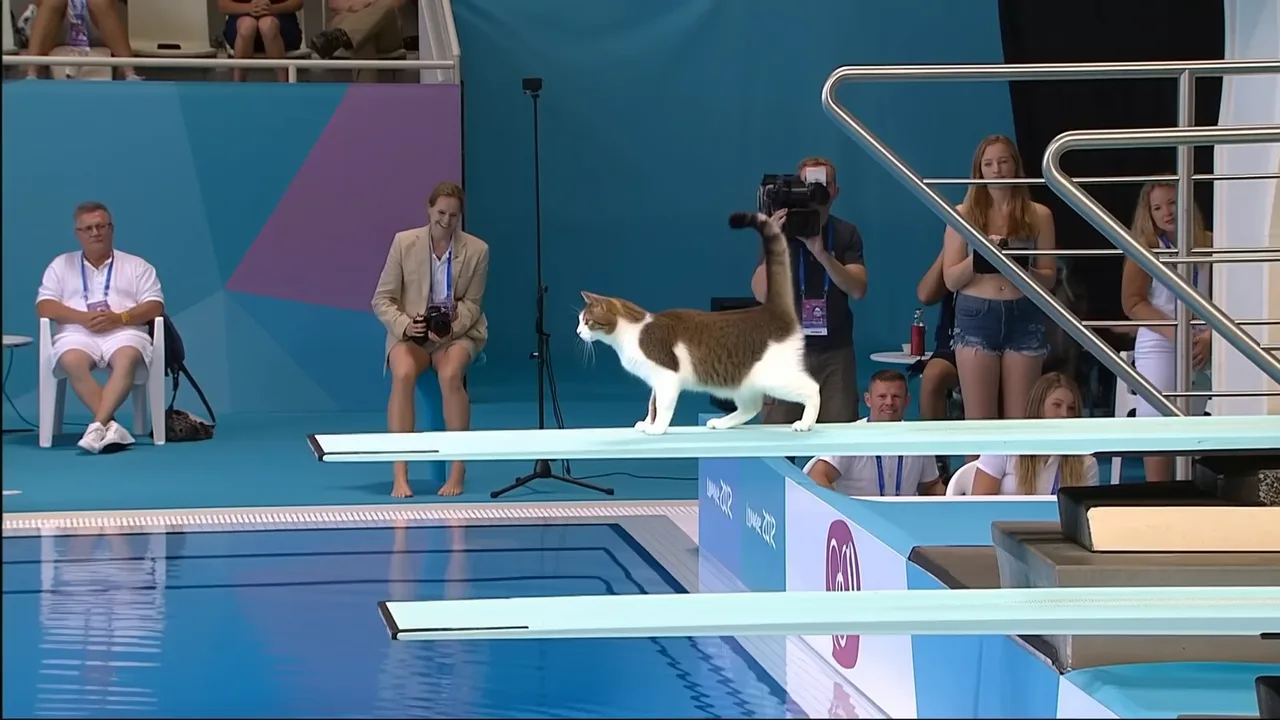
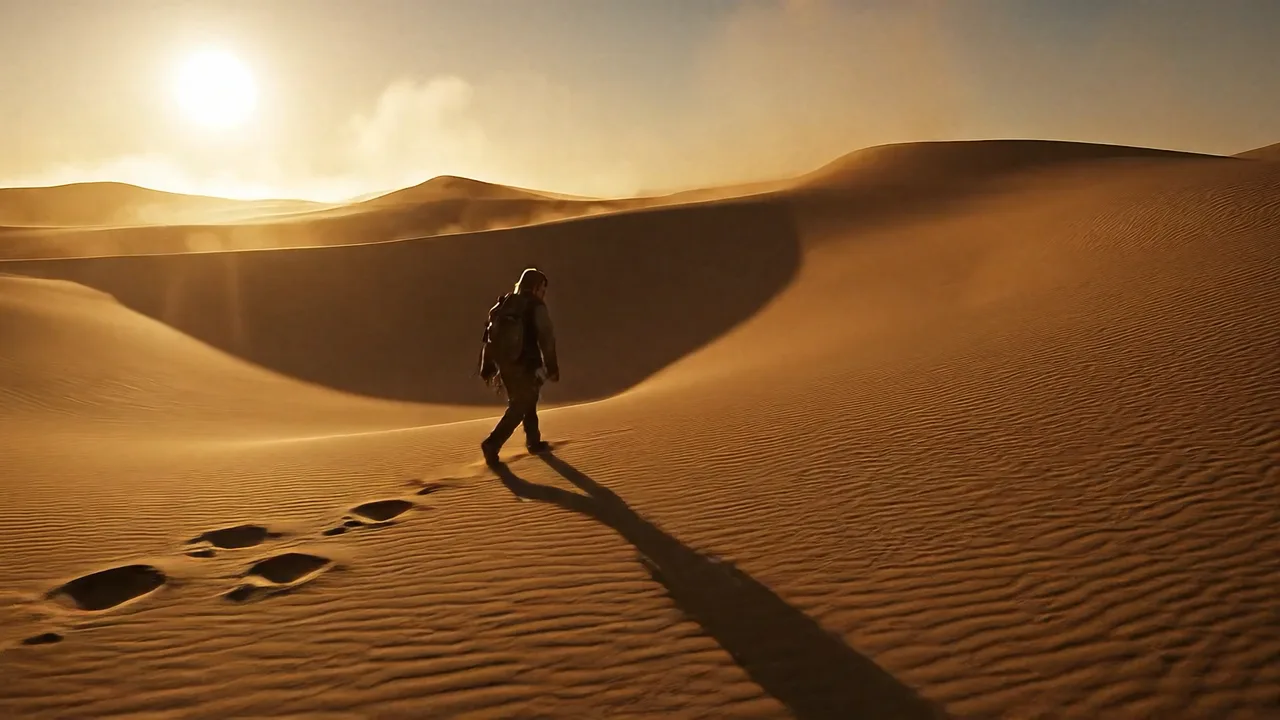
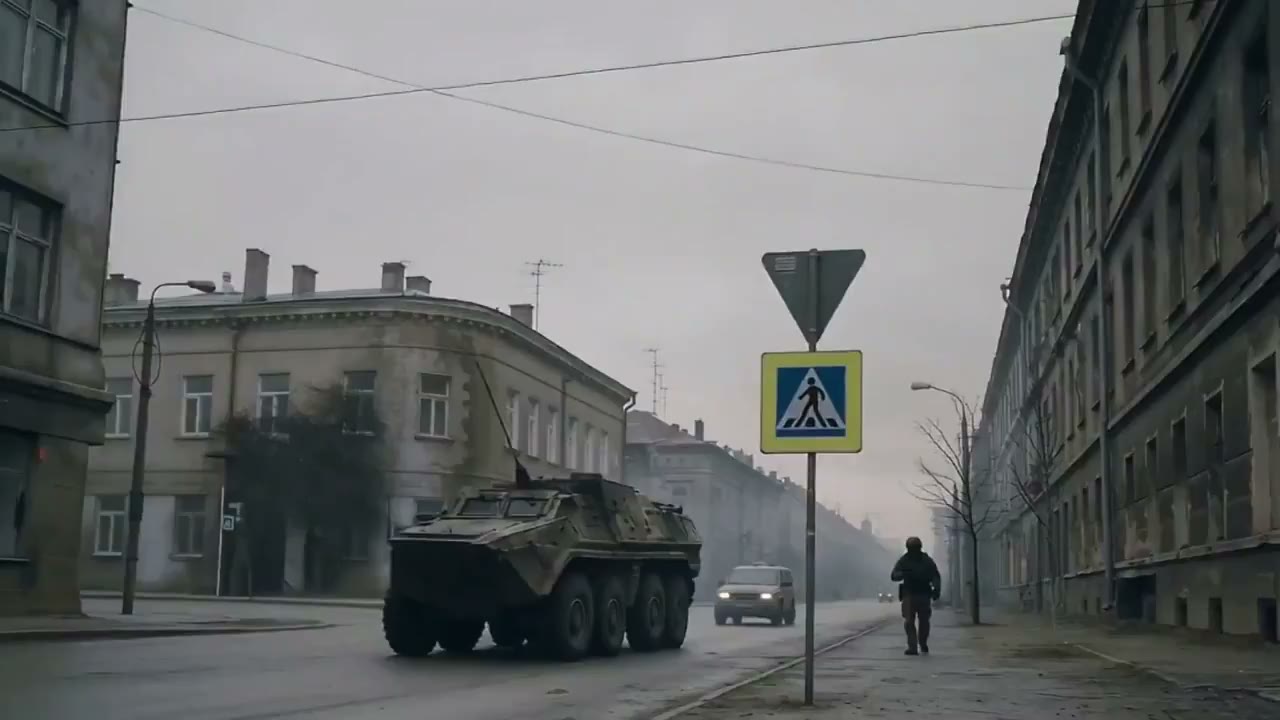
Video to Video AI Generator for Motion Transfer and Video Restyle
Use FlashEdit video to video AI when you already have a clip that shows the movement, pacing, camera path, or action you want to guide. Upload supported reference video, add the image or prompt required by the selected model, then generate a new AI video draft with visible duration, resolution, and credit cost before you submit.
VIDEO REFERENCE IDEAS
Video to video AI examples for motion-led workflows
Use these examples when the source motion matters: uploaded video references, performance timing, camera movement, product action, style tests, or scene rhythm.
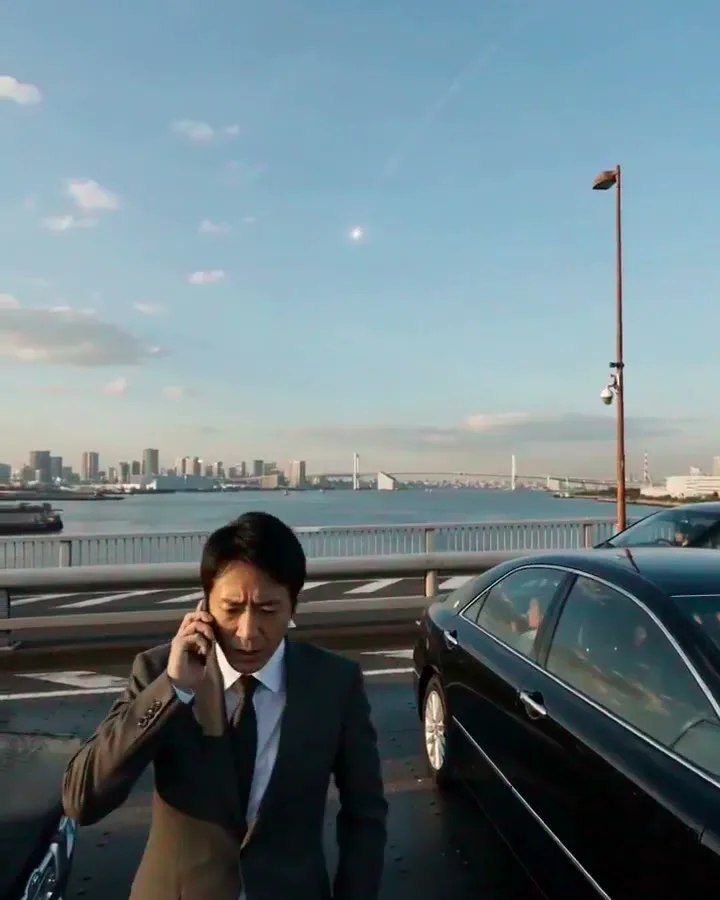
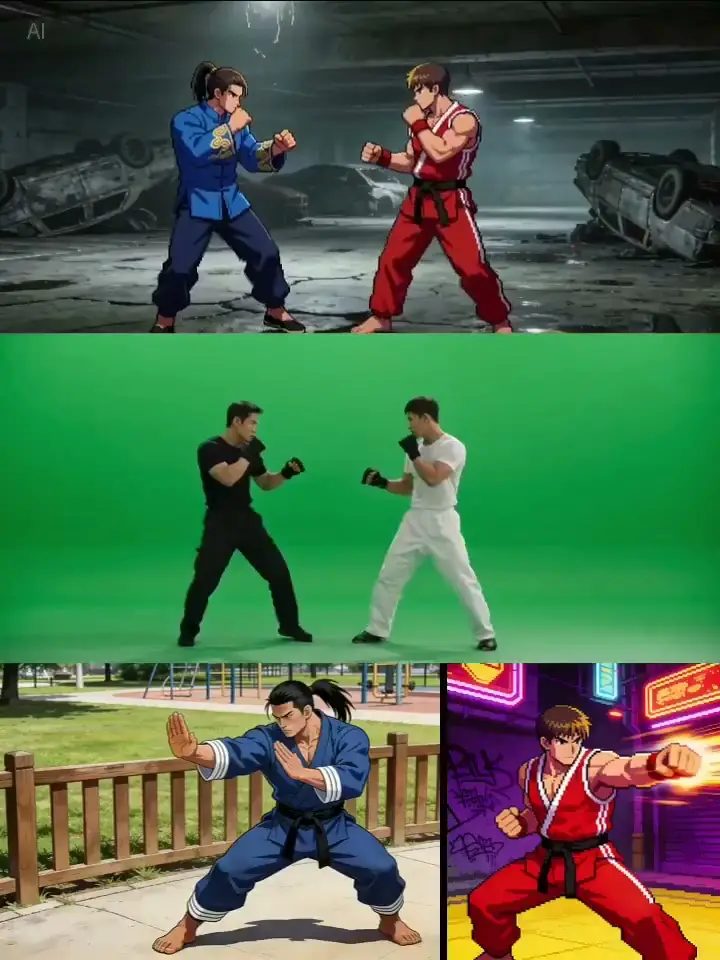
motion transfer video AI
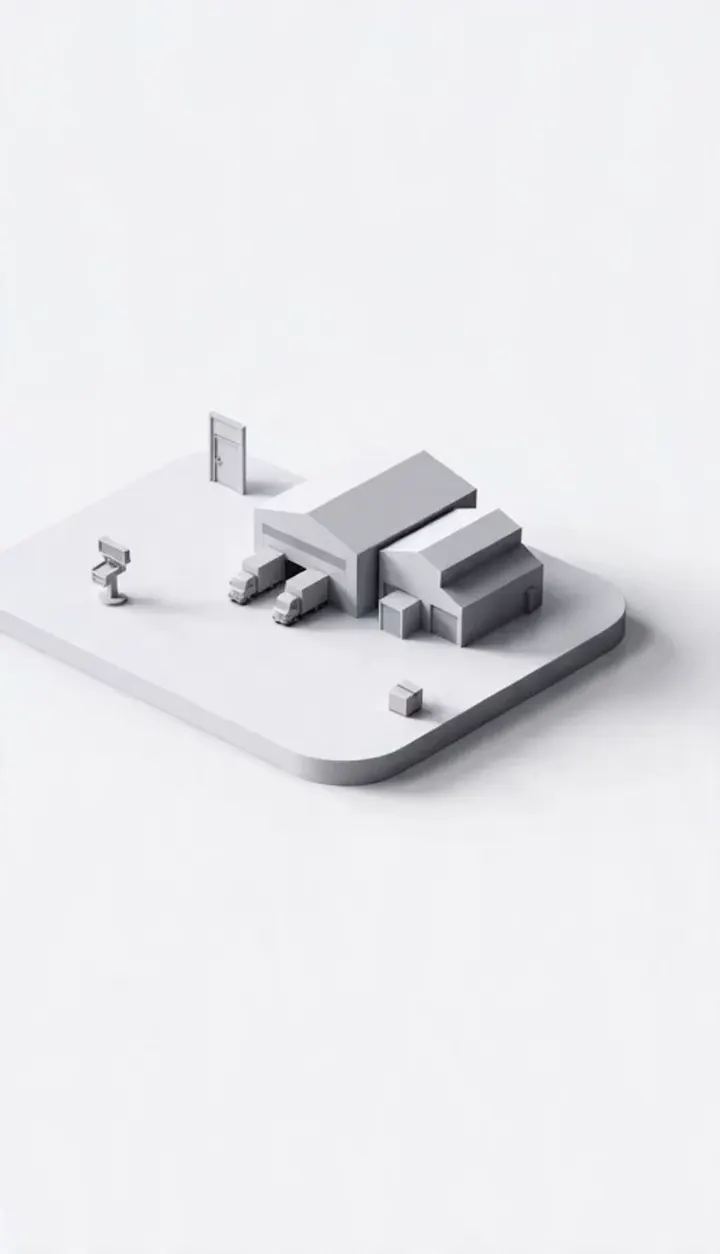
AI video restyle
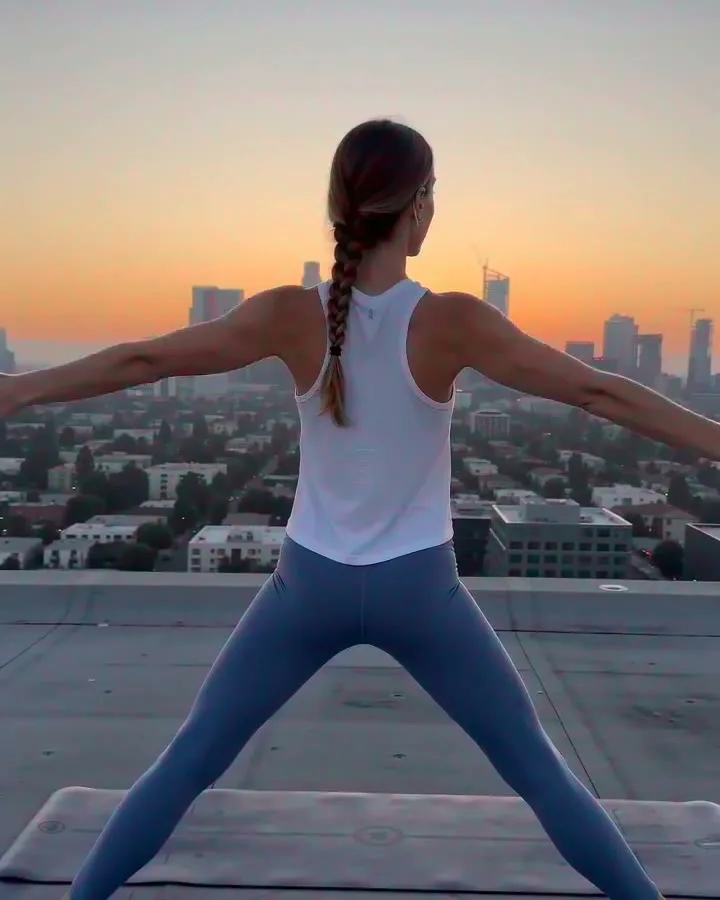
performance reference video

camera motion reference
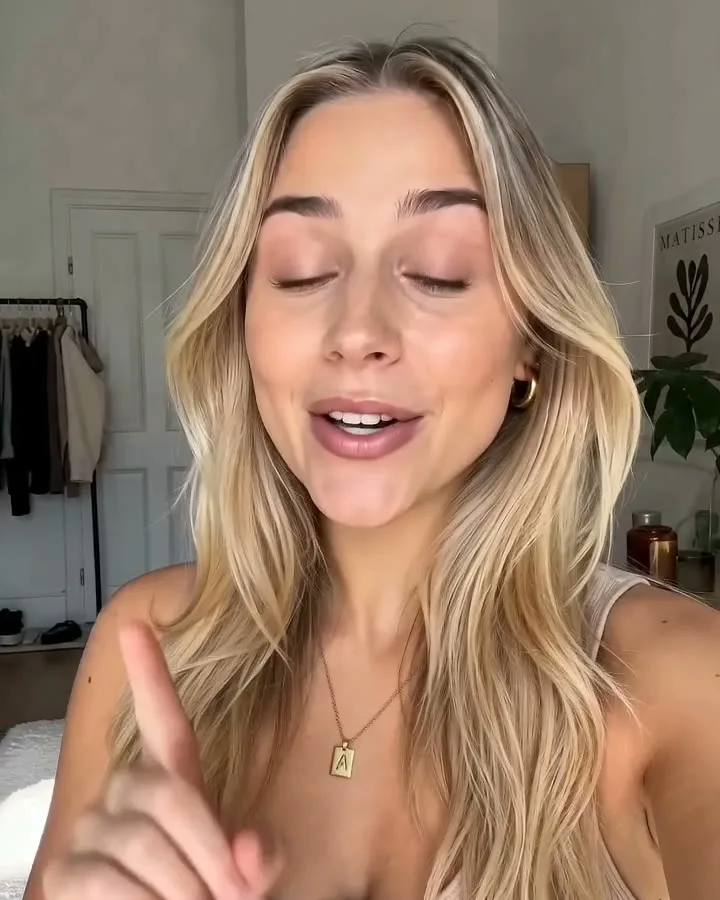
action reference video

product video motion reference
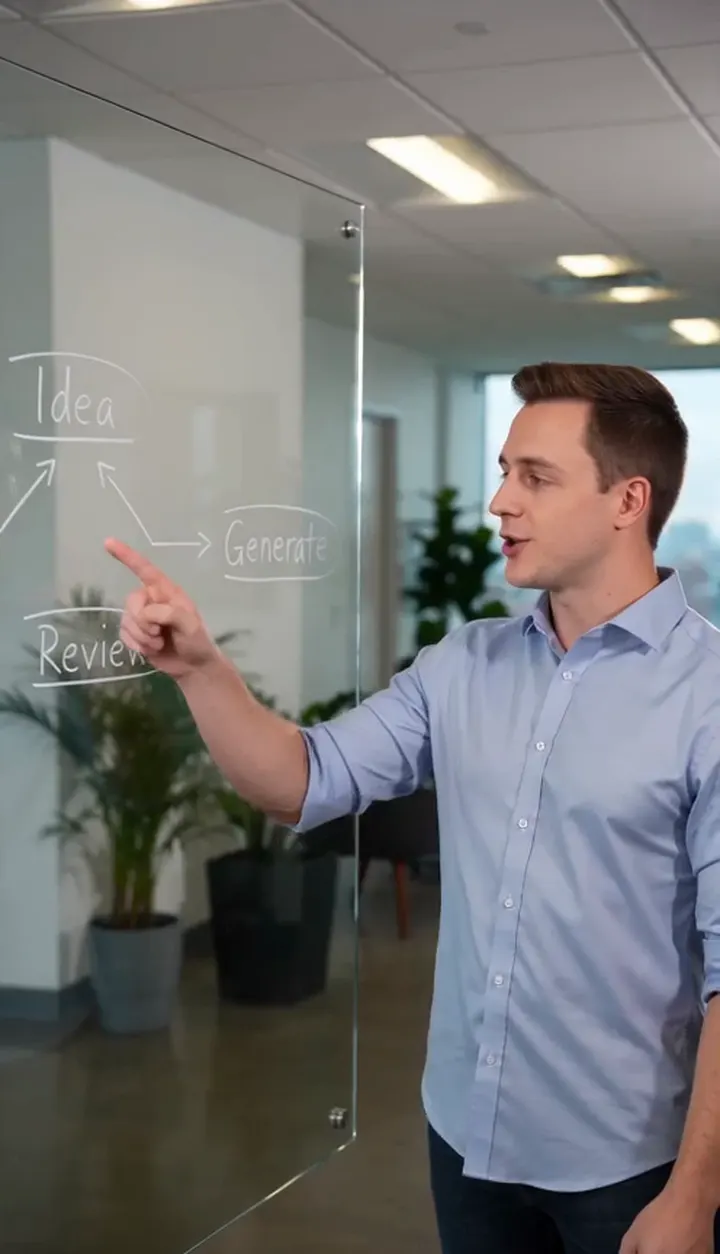
social video remix
video style transfer test

AI video production draft
HOW IT WORKS
How to create a new video from reference video
A controlled path for turning source motion into a new generated draft without treating the reference clip as the final asset.
1
Upload Reference Media
Start with a supported short video when you want to guide movement, pacing, camera direction, or performance timing. Motion-control models may also require a reference image for the subject, scene, or visual anchor.
2
Add Prompt Direction
Describe what the new video should become: subject, scene, style, camera behavior, and what should change from the reference clip. Use the prompt to restyle the idea instead of asking for an exact copy.
3
Choose Model and Settings
Pick a model that supports the media workflow you need, such as motion control or broader media references. Check required inputs, reference video length, resolution, duration, aspect ratio, and credit cost before submitting the generation.
4
Review the New Draft
Open the result in My Creation, download the output, or run another version with a clearer prompt, stronger subject image, shorter reference clip, or different motion direction.
CORE CAPABILITIES
Why use video to video AI in FlashEdit
Use reference motion when a prompt alone cannot describe the timing, action, camera behavior, or video style you want clearly enough.
Reference Motion Control
Use a short reference video to guide motion, pacing, performance, or camera rhythm when the selected model supports it. This is useful for camera moves, product motion, action beats, and video restyle tests where movement matters more than a static image.

Media-Guided Generation
Combine supported image and video inputs where the model allows it. Motion-control workflows can use an image for the subject or scene and a video for movement, while FlashEdit keeps uploads, prompt direction, model settings, and credit preview in one workflow.
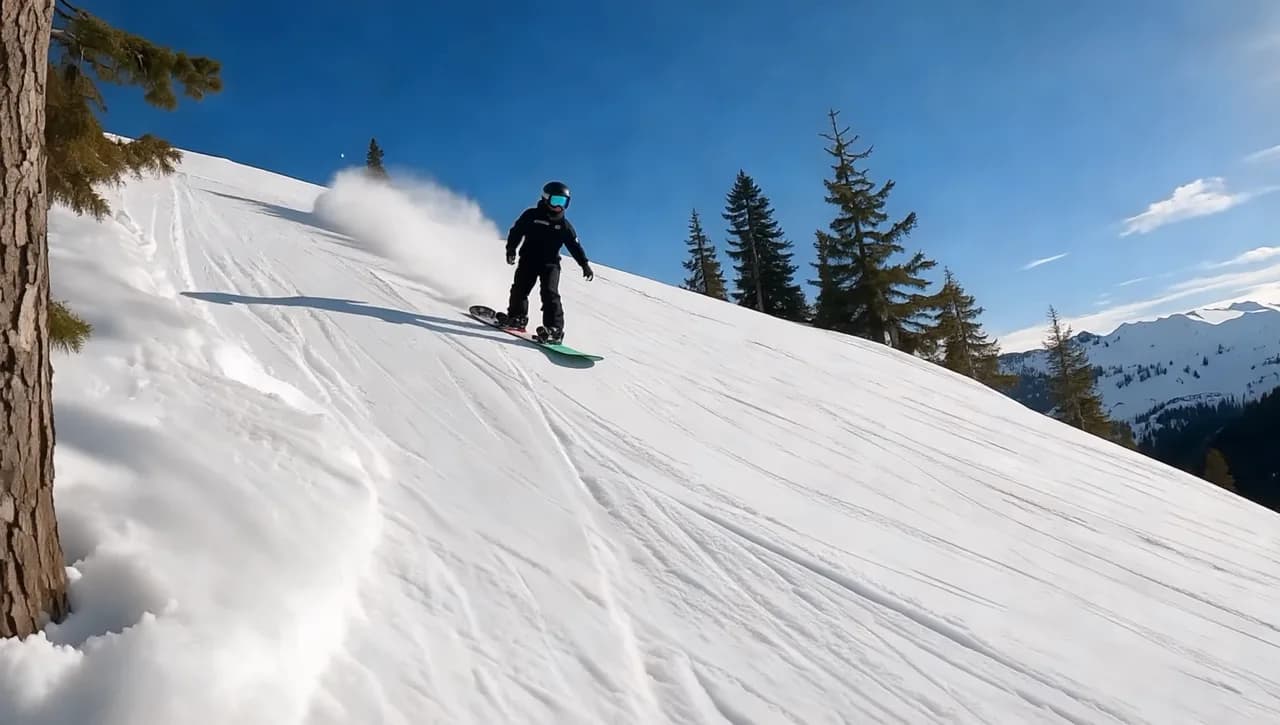
Limits Shown Before Submission
Video reference workflows can have stricter limits for clip length, file size, resolution, required image inputs, and model support. FlashEdit surfaces the relevant upload controls and cost preview before you submit a generation.
REFERENCE WORKFLOWS
When to use video reference instead of text or images
Video to video AI is most useful when timing and motion are the hard part, but text, image, and frame-based workflows still fit different starting points.
Use text to video when the scene only exists as a written idea. It is the fastest way to test a concept, but it may not capture a specific performance, uploaded video reference, or camera rhythm.
PRODUCTION TOOLS
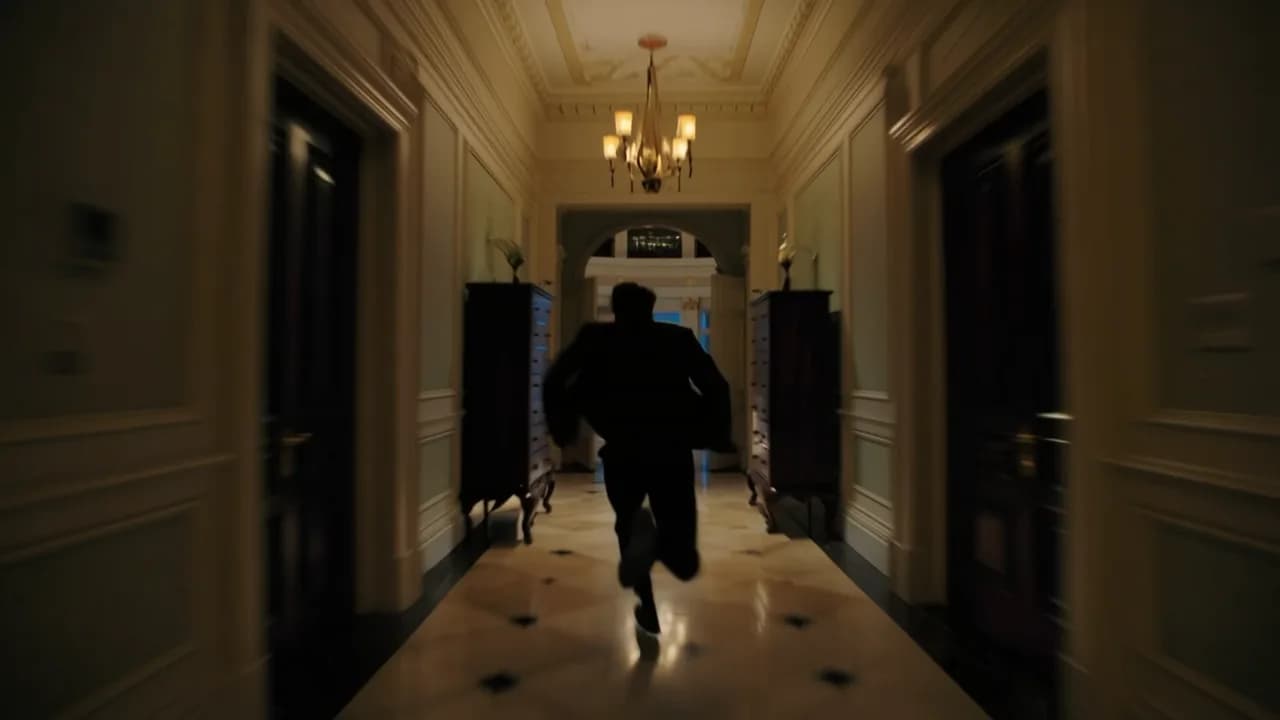
Turn reference-led drafts into usable assets
Video to video AI is most helpful when the new result can move into a real editing, campaign, storyboard, or social production workflow.
WHO IS FLASHEDIT FOR
Who should use video to video AI
Use it when an existing clip is the clearest way to explain what the new AI video should do.
Growth marketers — Motion-led ad tests
Use a reference clip to test pacing, camera movement, product action, or video restyle directions before producing a final ad concept.
Creators — Short-form remixes
Start from a motion idea, upload a short reference, and create a new draft for TikTok, Shorts, Reels, or social experiments.
Filmmakers — Action and camera tests
Use reference movement to explore camera rhythm, action beats, performance timing, or scene blocking before a full edit or storyboard review.
Ecommerce teams — Product motion references
Use source motion as a guide for product reveals, hand movement, turntables, or campaign visuals where timing and object movement matter.
PRICING
Video to video AI pricing uses credits
FlashEdit shows the credit cost before generation. The final cost depends on model, reference media, duration, resolution, aspect ratio, and supported settings. Use shorter reference clips and lower settings for tests before committing credits to production-oriented drafts.
Starter
$9.9/mo
Best for light monthly FlashEdit AI projects
- 200 AI design credits Per Month
- Up to 20 videos
- Up to 200 images
- Up to 13 songs
- Up to 20 voice tracks
- HD, Watermark-Free Downloads
- Priority support
- Faster Generation Speed
- Private Generation
Popular
PRO
$29.9/mo
Best for regular FlashEdit AI projects
- 1000 AI design credits Per Month
- Up to 100 videos
- Up to 1,000 images
- Up to 66 songs
- Up to 100 voice tracks
- HD, Watermark-Free Downloads
- Priority support
- Faster Generation Speed
- Private Generation
- Credits rollover & never expire
Ultra
$99.9/mo
Perfect for professionals and agencies
- 5000 AI design credits Per Month
- Up to 500 videos
- Up to 5,000 images
- Up to 333 songs
- Up to 500 voice tracks
- HD, Watermark-Free Downloads
- Priority support
- Faster Generation Speed
- Private Generation
- Credits rollover & never expire
FAQ
Video to Video AI FAQ
Answers about uploaded reference videos, motion control, video restyle workflows, model support, upload limits, credits, and downloads.
TESTIMONIALS
How teams use FlashEdit for video reference workflows
Feedback from people using source motion to guide new AI video drafts.
MR
Maya R.
Growth MarketerWhen an ad idea depends on motion, a reference clip explains it faster than a long prompt. FlashEdit lets me test that direction quickly.
DC
Daniel C.
FounderI use video reference when timing matters. It helps me compare motion ideas before asking someone to edit a full version.
LW
Lina W.
CreatorFor short-form concepts, showing the movement is easier than describing it. The generated drafts help me decide what to remake.
AK
Aaron K.
Creative StrategistReference motion is useful for client reviews because everyone can see the intended pacing, not just read a concept note.
SM
Sofia M.
Agency ProducerIt is not a replacement for final editing, but it is useful for choosing a direction before production starts.
NA
Noor A.
Training DesignerFor process clips, video reference helps show the movement clearly. The result gives us a draft to review before building a lesson.
Create a new video from reference motion
Upload supported reference media, add prompt direction, choose a motion-control or media-reference model, and generate a new AI video draft with visible credit cost.